
New website
Prepare the homepage design
- Assignee
- Anna
- Due date
- Fri, 25 September
- Status
- In progress
Less chasing updates. More clarity.
See who is responsible, what is done, and when it is due. Manage your team’s tasks right in Telegram, with no separate app to install.
Free for teams of up to 3
Questions in chat
New website
Prepare the homepage design
Answers in the task: See the assignee, due date, and status at a glance.
Team
Give each task an assignee and a status. See what is in progress, ready for review, or done without asking teammates for updates.
How team collaboration worksTasks
Capture the task in iTasks while the details are fresh. If speaking is easier, dictate it. AI prepares a title and description and fills in a due date if you clearly state one.
Voice AI is available on Free and PRO within each plan’s AI token allowance.
You can also create tasks manually, set priorities and tags, add checklists, save drafts, and use the backlog.
You dictate
“Prepare the homepage design by Friday. We need mobile and desktop versions.”
Your task
NewDeadlines
Set a due date and iTasks will remind the assignee in Telegram on that day.
iTasks also notifies the task author, assignee, and watchers about assignments, new comments, and status changes, according to their notification settings.
Explore notificationsSeptember 2026
iTaskstoday
Task due today
Prepare the homepage design · New website
Context
Comments, attachments, and change history stay with the task. Find the decision without searching through several chats.
When your teammate comes back online, the context is there so they can pick up the work.
Comments and attachmentsNew website
Prepare the homepage design
We checked the heading with the client. Let’s use the second option.
Iris will check the responsive layout
Projects
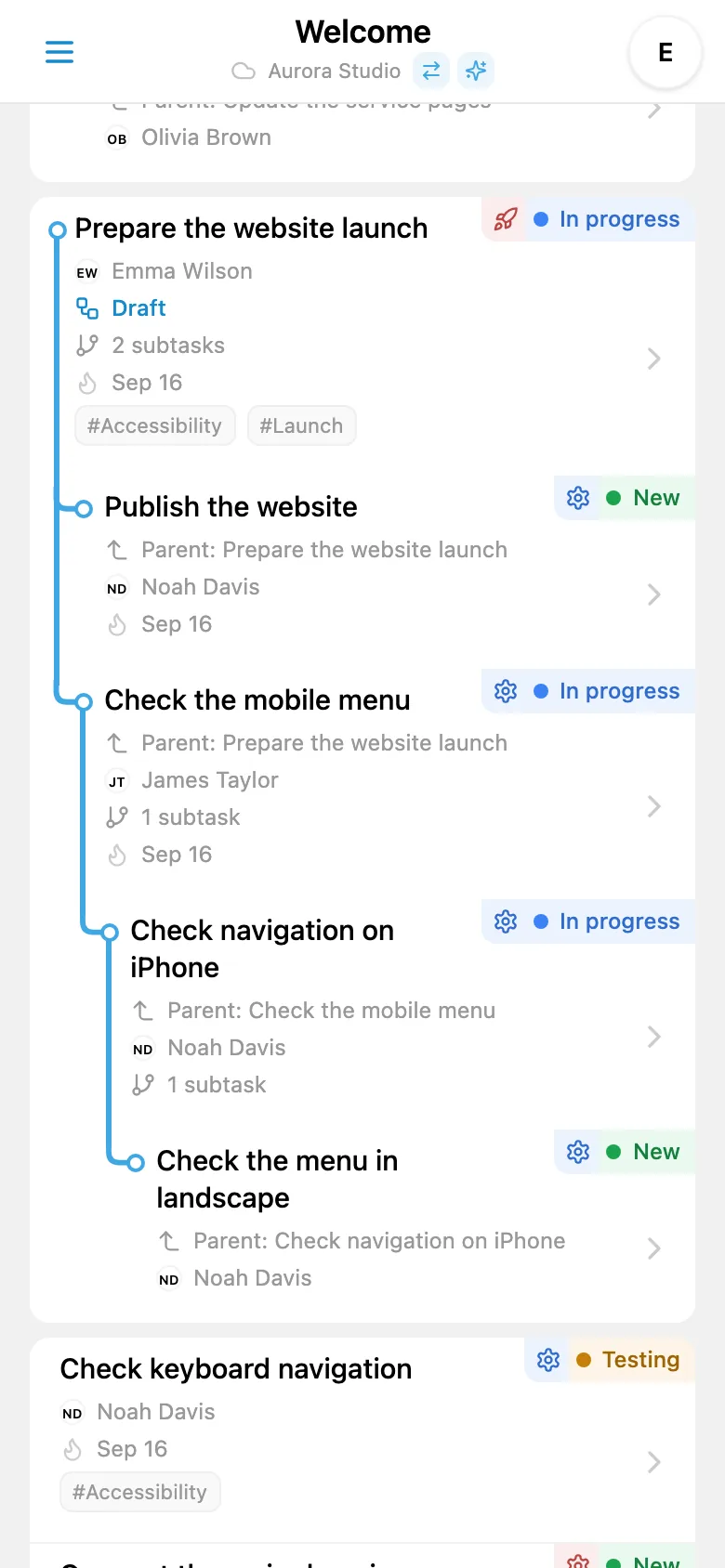
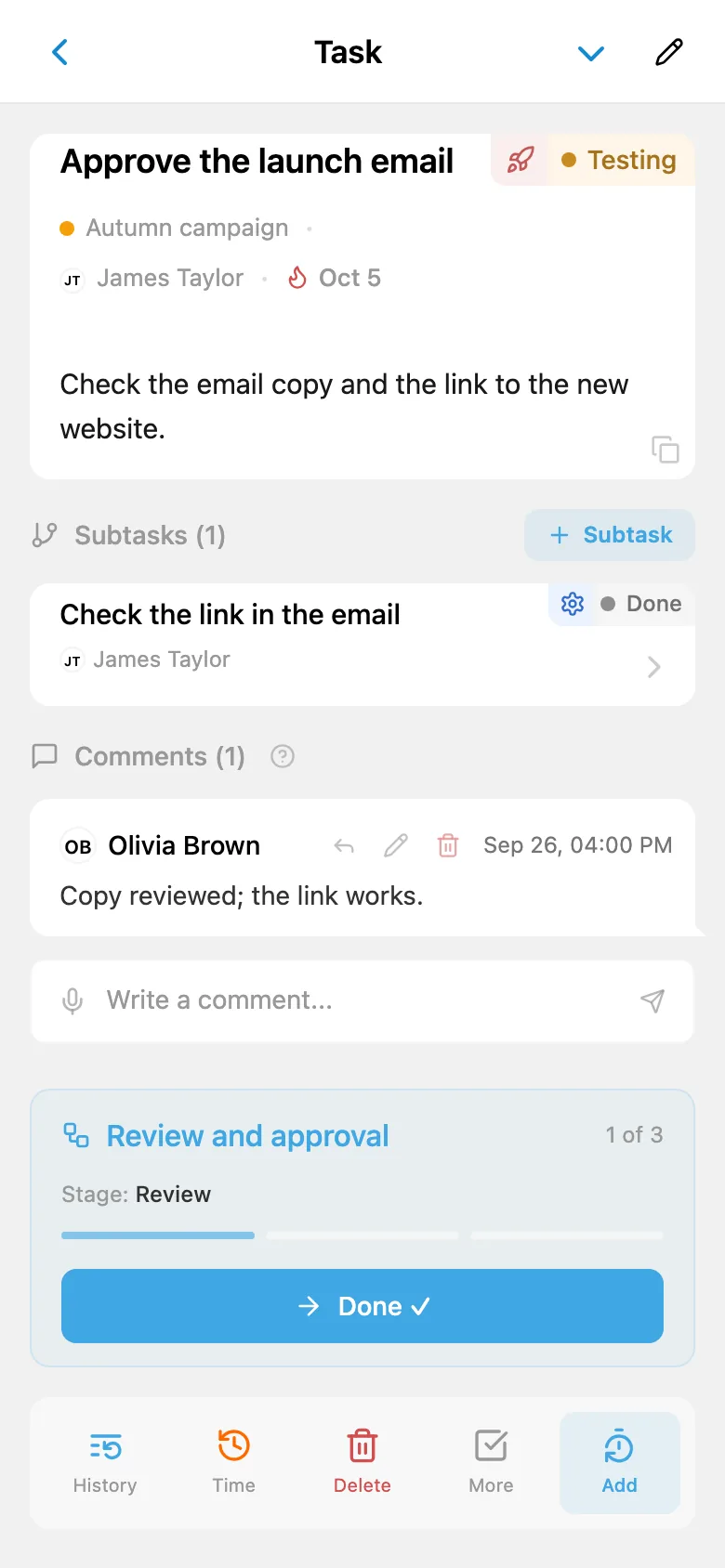
Break a large task into subtasks and assign them to your team. See what is done and what still needs work.
List, Kanban, and tree views, with filters and sorting.
Explore task viewsPriorities, tags, checklists, a backlog, and sprints.
Task managementNew website
Launch the homepage
1 of 3 done
Nest subtasks up to 4 levels deep.
Processes
Recurring tasks are created automatically on a schedule. Workflows pass a task to the next person when a step is complete.
Repeat on a schedule
Weekly report
Every Monday
daysweeksmonthsyears
Pass work to the next person · Website launch article
Oliver finished his step. The task was assigned to Anna with the right status for her step.
Time
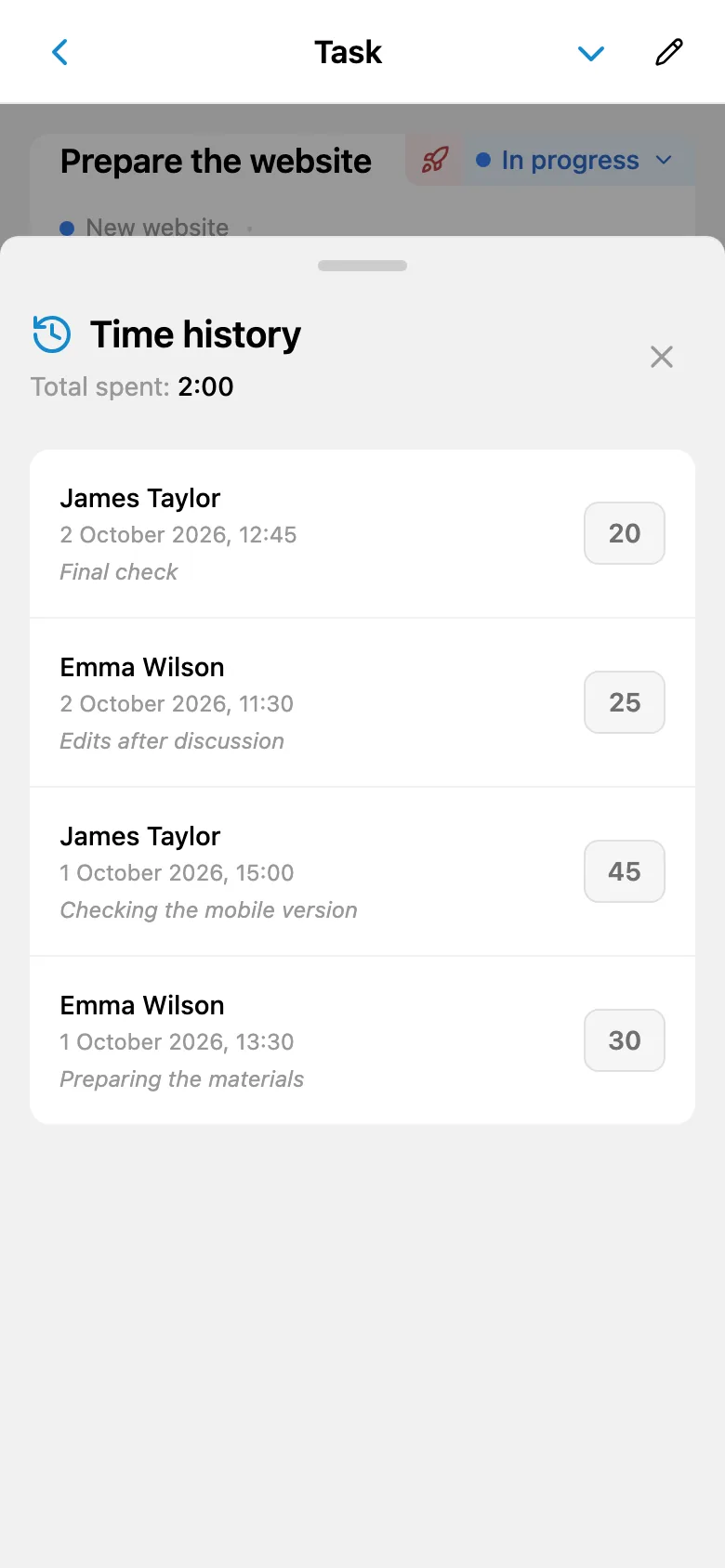
Log time directly on a task. The same entries feed into reports by project and team member.
Prepare the homepage design
Task total1 hr
Customization
Building apps, running campaigns, or rescuing cats — every team has its own stages. Give task statuses and types the names your team uses, choose colors and icons, and add your own steps. Lists, filters, and Kanban will speak your team’s language.
Aurora Studiowebsites and apps
Types
Stages
Advertising agencycampaigns and creative work
Types
Stages
Purrfect Sheltervolunteers
Types
Stages
Adoption · Purrfect Shelter
Find a home for Marmalade the ginger cat
A dashed border marks a type or stage the team added. The others are renamed defaults.
Customers
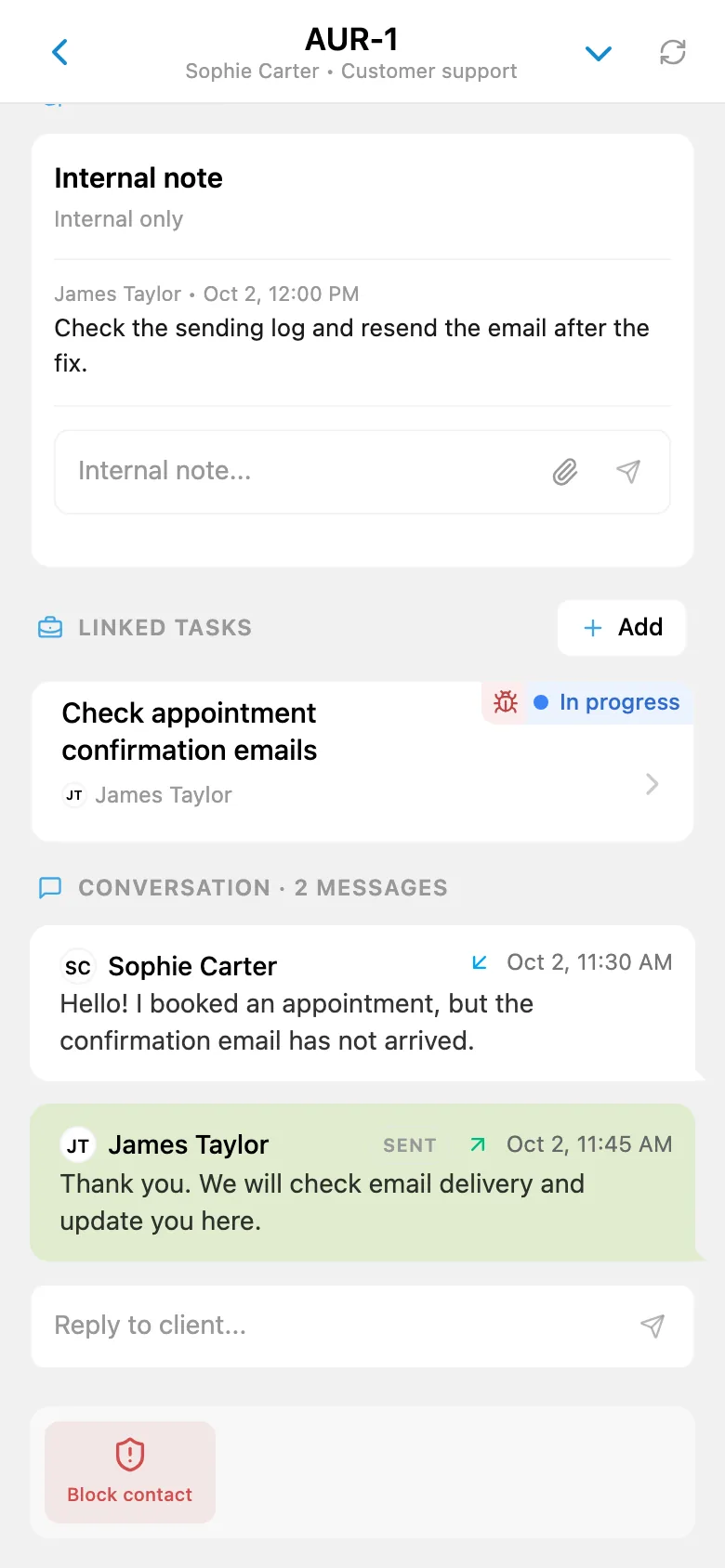
Connect your Telegram bot to bring customer messages into the iTasks queue. Assign each request, track its status, and link any follow-up work to a team task.
How customer support worksStudio support bot
Hi! I can’t submit the request form on your website from my phone.
Ticket
Only the team can see this: “Reproduced on iPhone. Passing it to the team.”
Linked task
New website
Fix the request form
A request queue, statuses, conversation history, attachments, and internal team notes.
AI agentsPRO
Connect Codex, Claude, Gemini CLI, or another compatible agent. Ask it to work in iTasks on your behalf.
Your instruction
Break the website launch plan into tasks and assign them to the team
In iTasks
Connect an agent you already use. The cost of its service is separate from your PRO subscription.
The agent acts on your behalf and can access only what you can access.
You choose what to ask the agent to do. You can update its connection keys at any time.
Voice task creation is a separate feature, available on Free and PRO within each plan’s token allowance.
Connect via MCP or REST/OpenAPI. Setup instructions are in your iTasks profile.
Getting started
Use your Telegram account to open iTasks. There is no separate registration for you or your teammates.
Read the getting started guideOpen @iTasksBot, tap Start, and create a workspace for your team.
Invite link
Share an invite link in your work chat so teammates can join in one tap.
First task
Prepare the homepage designChoose assignees and due dates so everyone can see their tasks and receive notifications.
Free for teams of up to 3
iTasks works inside Telegram on your phone and computer. There is also a separate Android app. The iPhone app is in development. Android app on Google Play
Pricing
Each plan covers a workspace. Both plans include unlimited tasks.
For small teams and personal tasks
$0forever
For growing teams and work with AI agents
499 Starsper month
Price per workspace.
Pay for PRO by card in your website account, from $9.99 per month. Get a discount when you pay for 6 or 12 months.
Payment options and discountsData
Workspace owners can download a JSON backup at any time, on Free or PRO.
The JSON data export is separate from the Excel/PDF payment report available on PRO.
How to export your dataThe interface
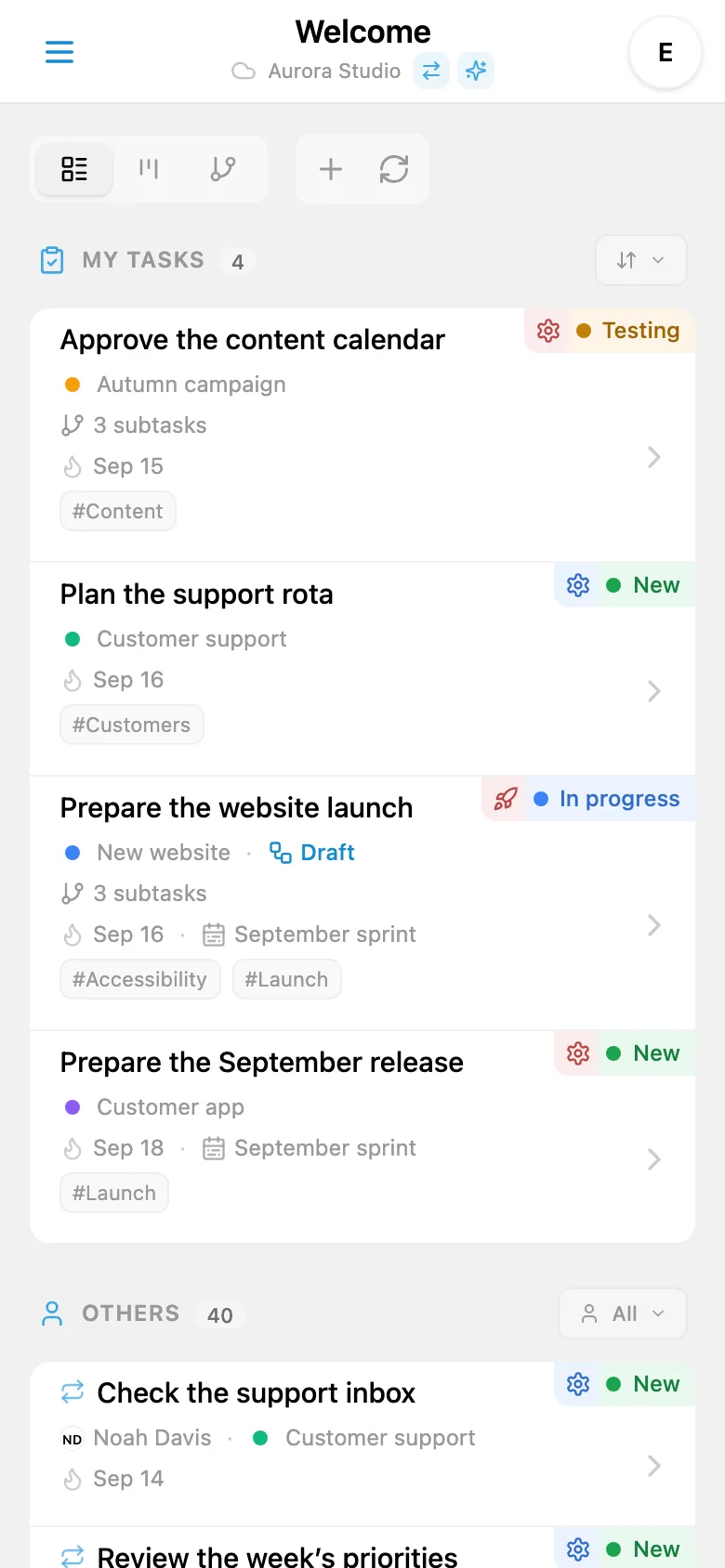
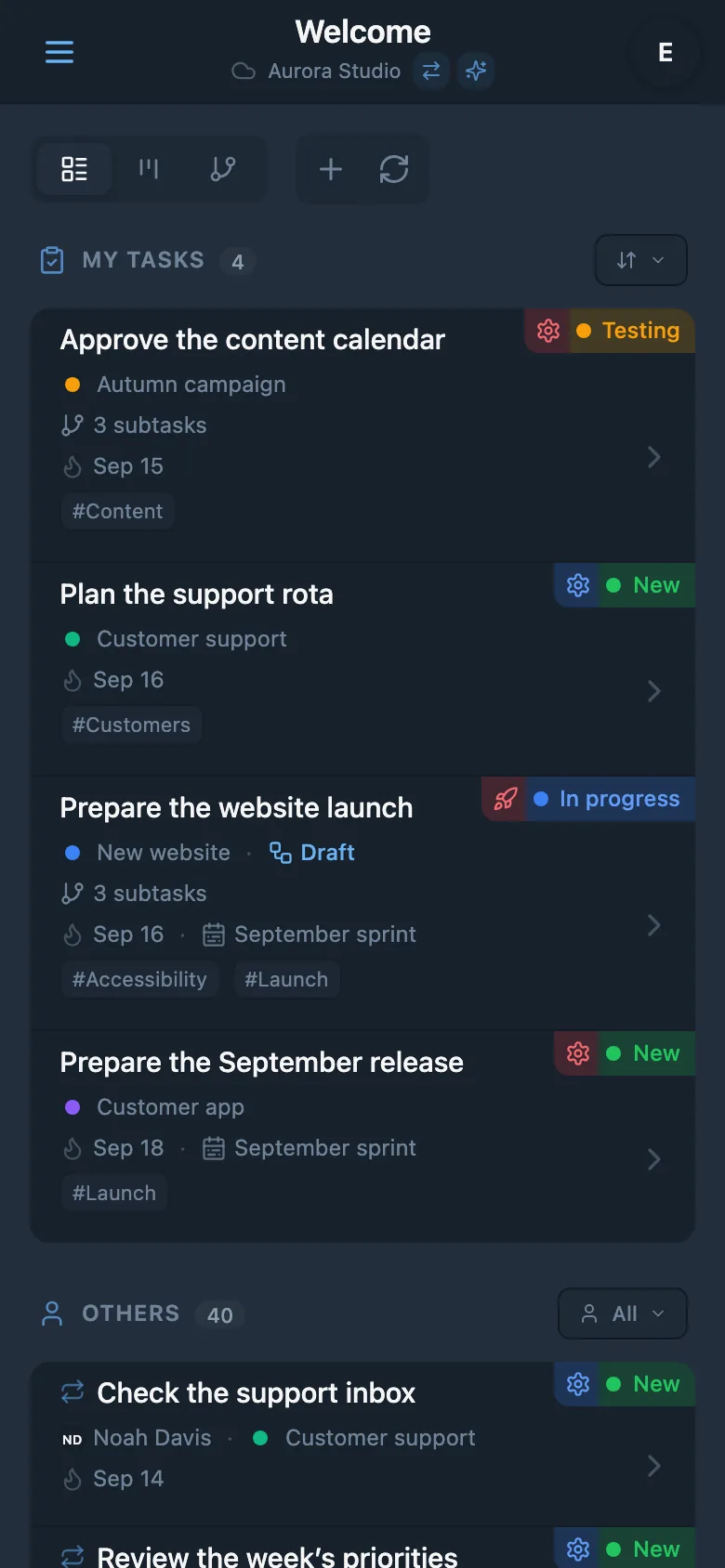
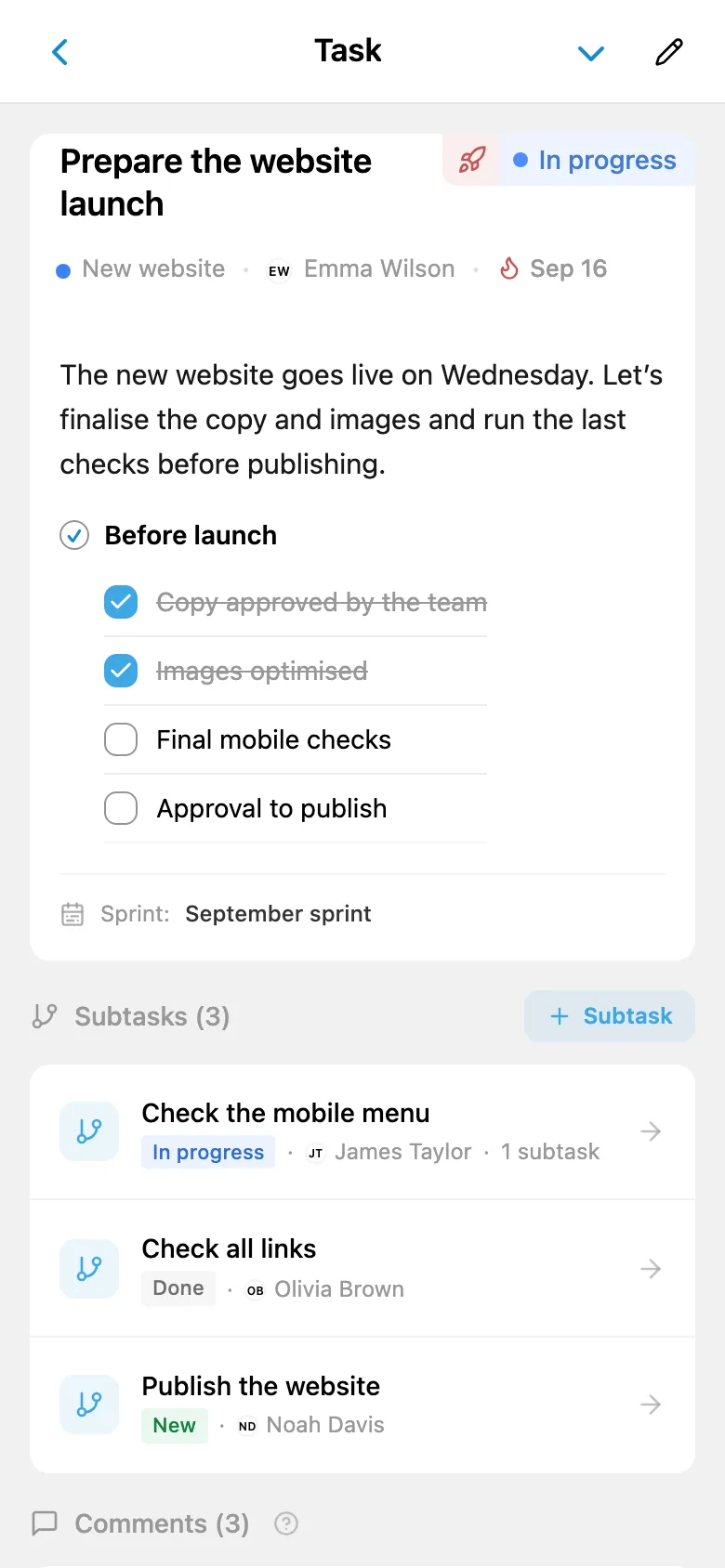
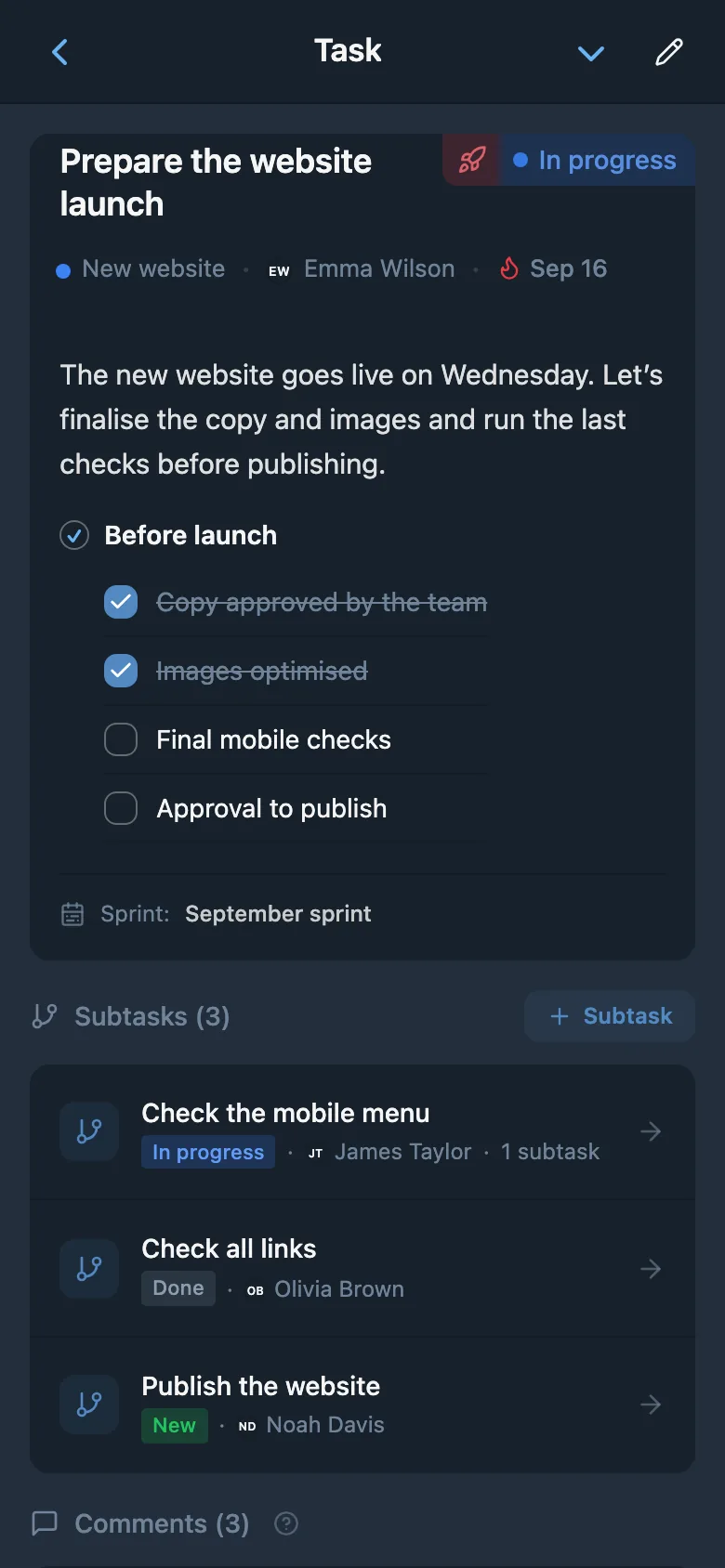
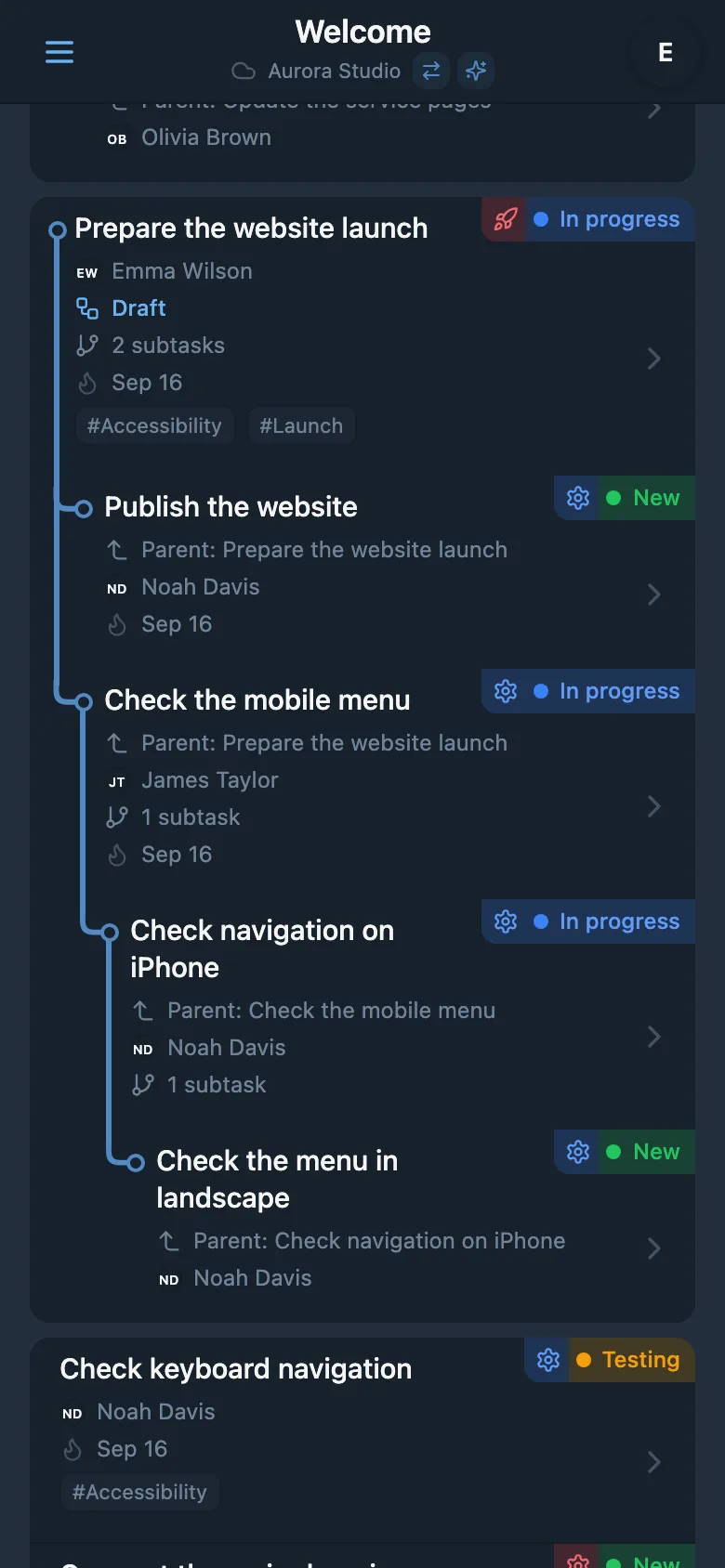
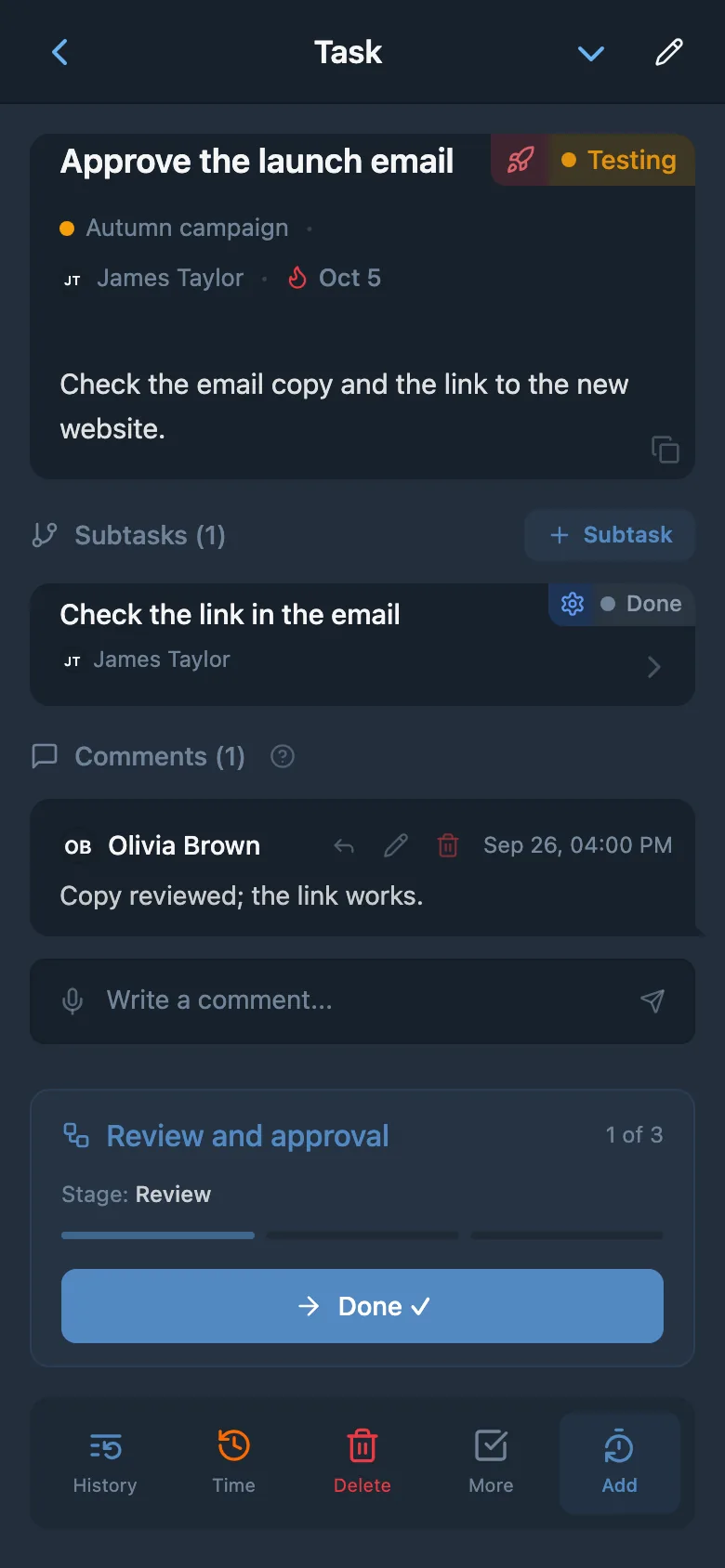
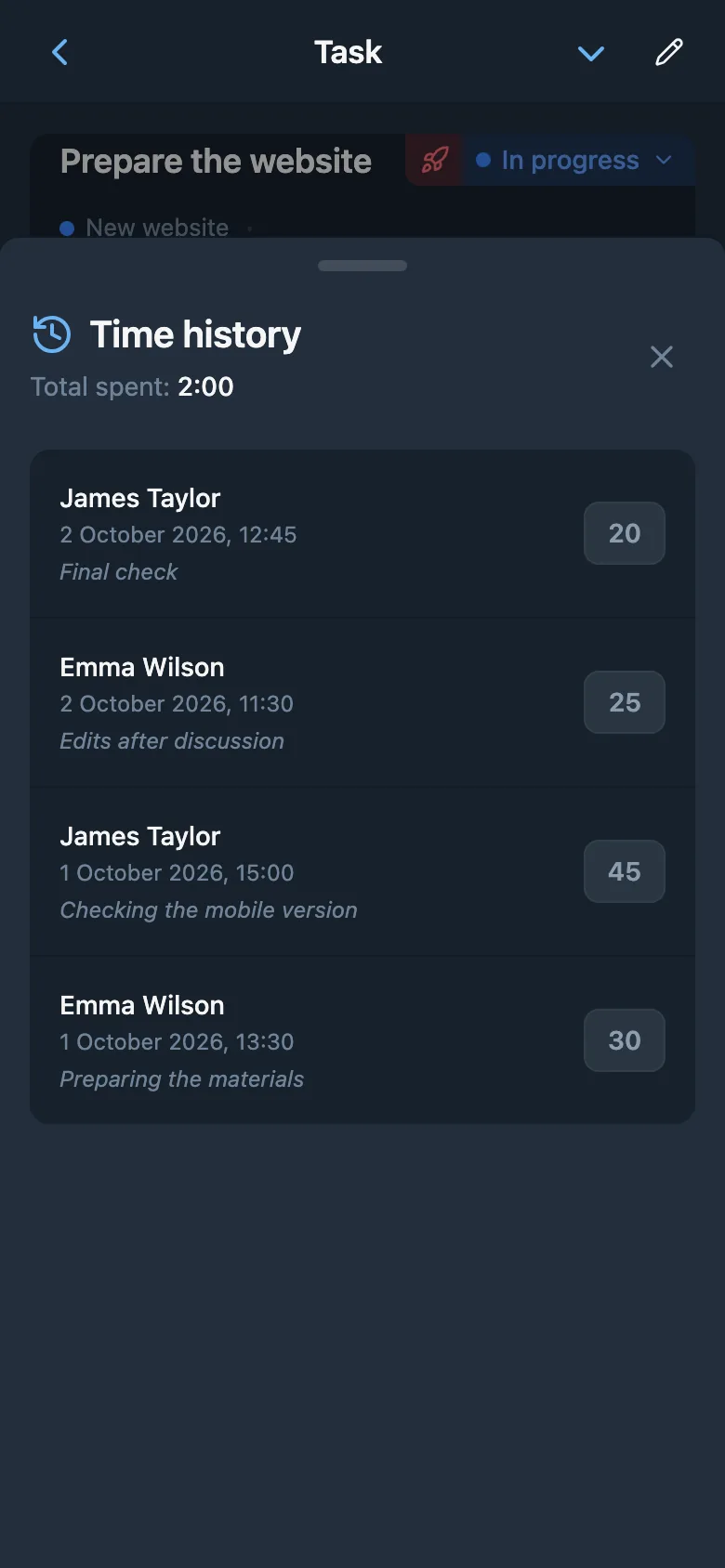
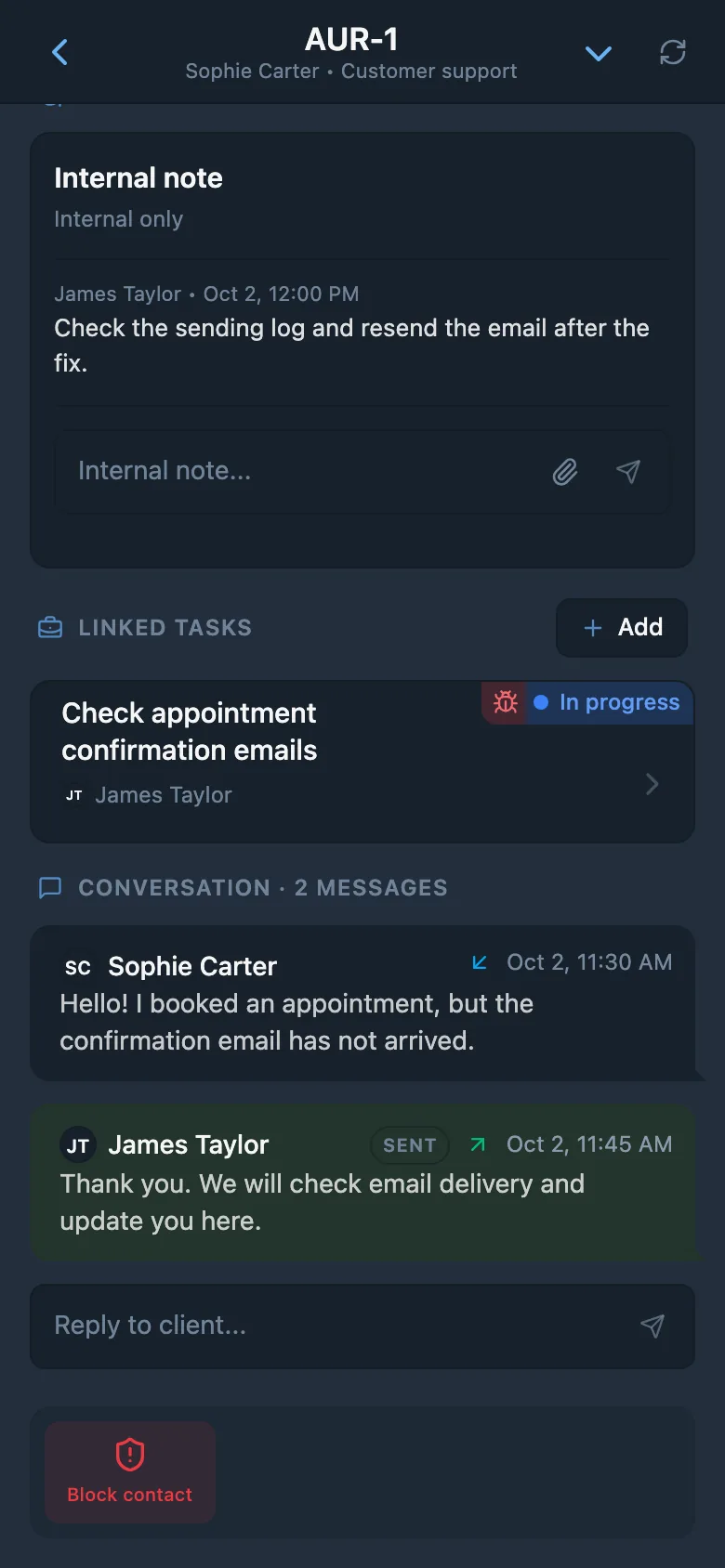
Real app screens: tasks, workflows, time tracking, and customer requests.
Answers
Yes. Customize task statuses and types for anything from an advertising agency to a volunteer animal shelter: rename them, choose colors and icons, and add your own stages. This is available on the free plan too.
No. iTasks opens directly in Telegram. If you prefer a separate app, the Android version is available on Google Play.
Free includes up to 3 workspace members, 1 project, unlimited tasks, core features, and voice AI within the plan’s token allowance.
PRO costs 499 Telegram Stars per workspace per month when paid in Telegram. You can also pay by card in your website account, from $9.99 per month, with discounts when you pay for 6 or 12 months. See the payment options page for details.
Create a workspace and send your teammates an invite link in Telegram. They can join in one tap.
Yes. Create a workspace just for yourself and manage your tasks in Telegram.
Requests can get lost in chat messages. In iTasks, you can give each task an assignee, due date, and status, with comments and change history kept together. It works in the Telegram app your team already uses and takes little setup.
They arrive in Telegram. iTasks reminds the assignee on the due date. It also notifies the task author, assignee, and watchers about assignments, comments, and status changes, according to their notification settings.
Yes. Connect your Telegram bot or create one from iTasks. Requests enter a queue where you can assign them and track their status. Replies and internal notes stay with each request.
Voice AI is built into iTasks. Dictate a task, then review and save what it prepares. It is available on Free and PRO within each plan’s token allowance. An external AI agent, such as your own Codex or Claude, connects to iTasks and works with tasks on your behalf. This requires PRO, and the agent’s service costs are separate.
Codex, Claude Code, Gemini CLI, and other agents that support MCP or REST/OpenAPI. External agent connections are available on PRO. Setup instructions are in your iTasks profile.
Yes. Workspace owners can download a JSON backup at any time, on Free or PRO.
Invited workspace members can see tasks within their permissions. See the Privacy Policy for details.
The Android app is available on Google Play. The iPhone app is in development. You can already use iTasks on iPhone inside Telegram.
Create your first task today so your team can see who is responsible and when it is due.
Open iTasks in TelegramFree for teams of up to 3