Team Collaboration in Telegram
Organize your team with isolated workspaces, role-based access, and project-level permissions - all in one place, no separate apps needed.
Isolated Workspaces
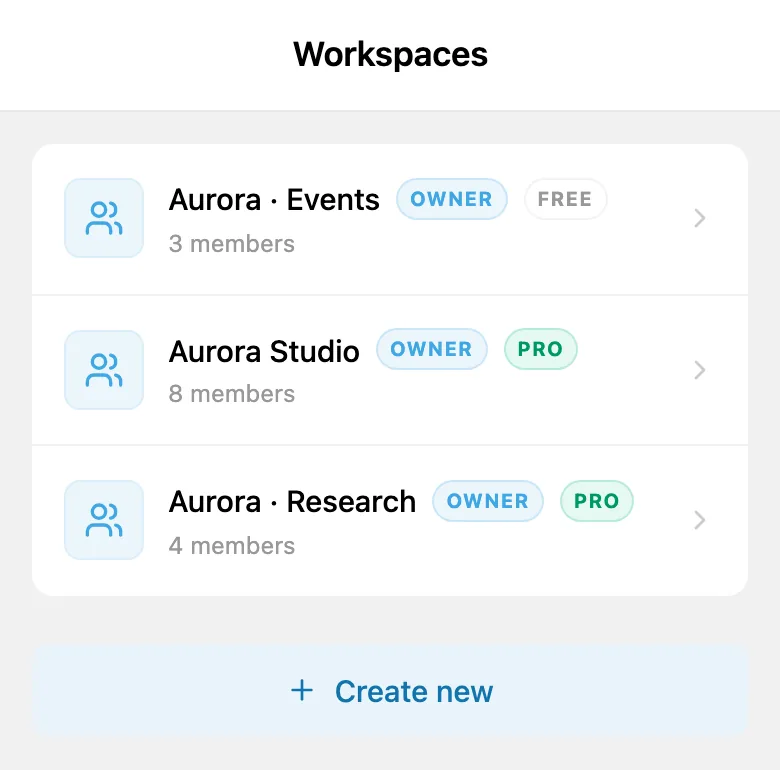
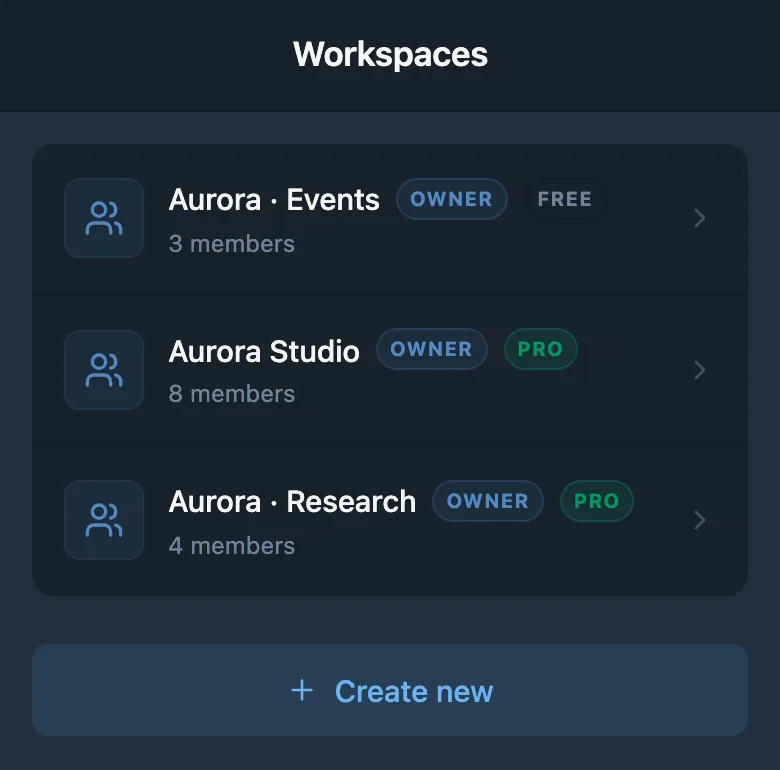
A workspace in iTasks is a fully isolated environment with its own projects, tasks, and team members. Whether you manage a single product team or juggle multiple clients, each workspace keeps everything separate - no data leaks between contexts, no accidental cross-pollination of tasks.
Each workspace has its own plan. Free includes up to 3 members and unlimited tasks. A PRO subscription supports up to 50 members and unlimited projects in the workspace where it is activated. Each additional workspace stays read-only until its own PRO subscription is activated.
The same structure works well for customer support too: your team can keep ownership, tasks, and collaboration in one workspace while handling external communication through dedicated HelpDesk channels.
Role-Based Access Control
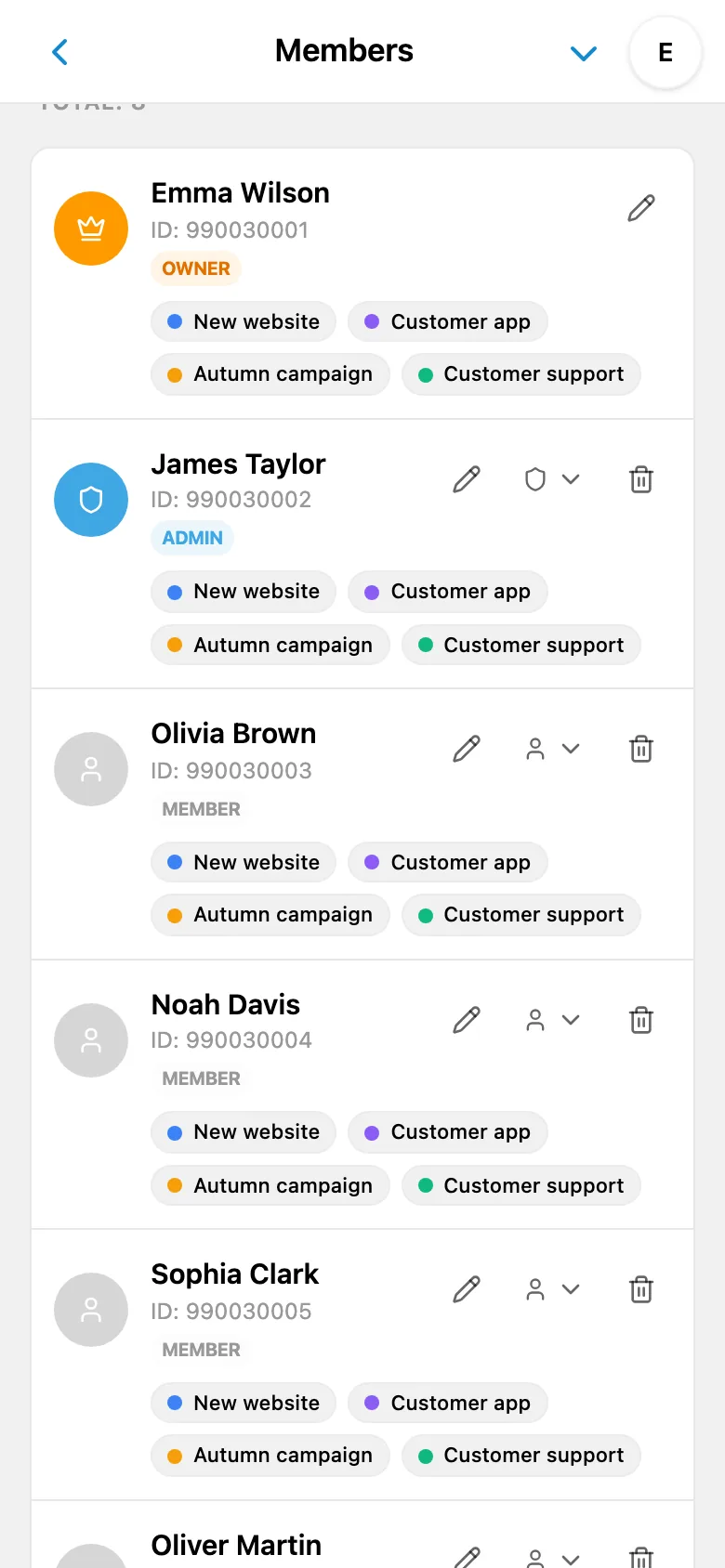
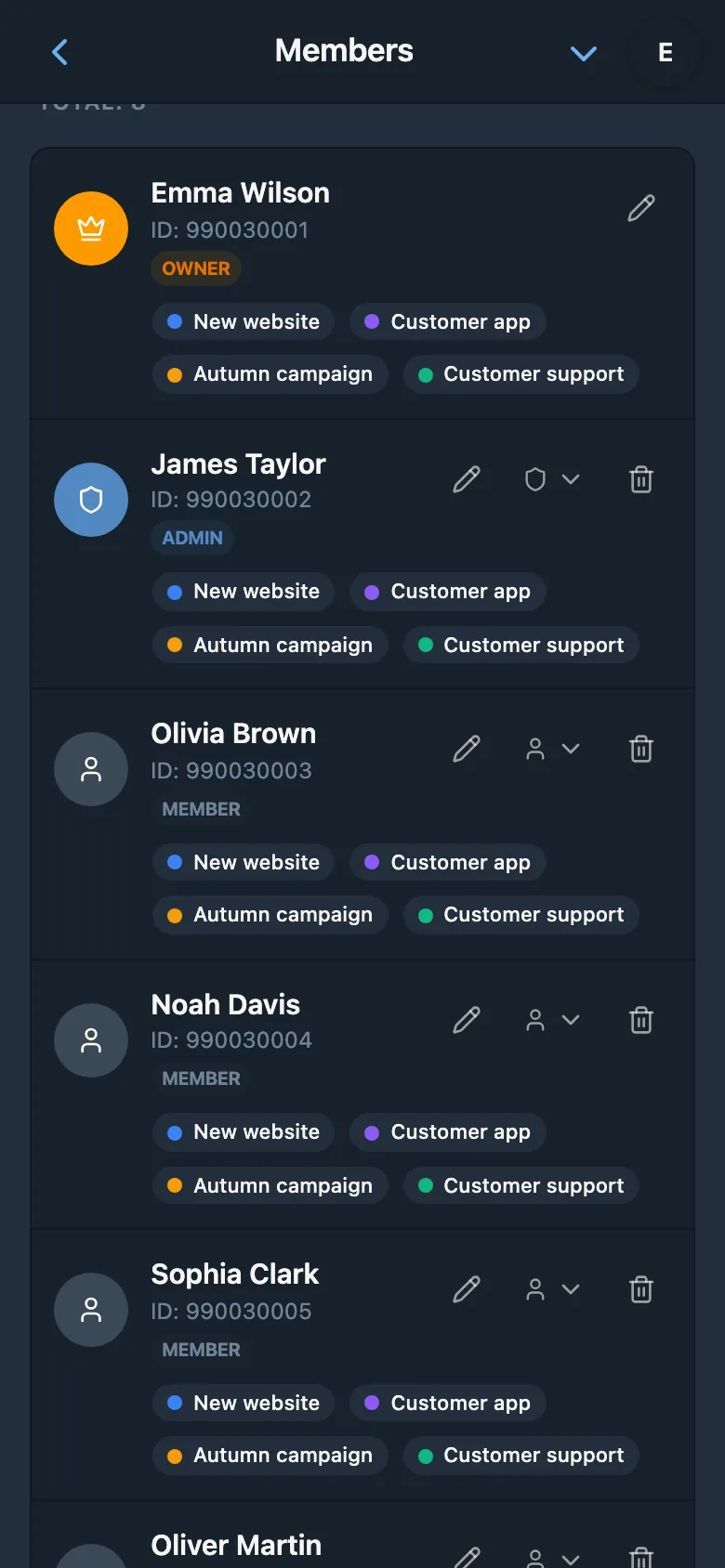
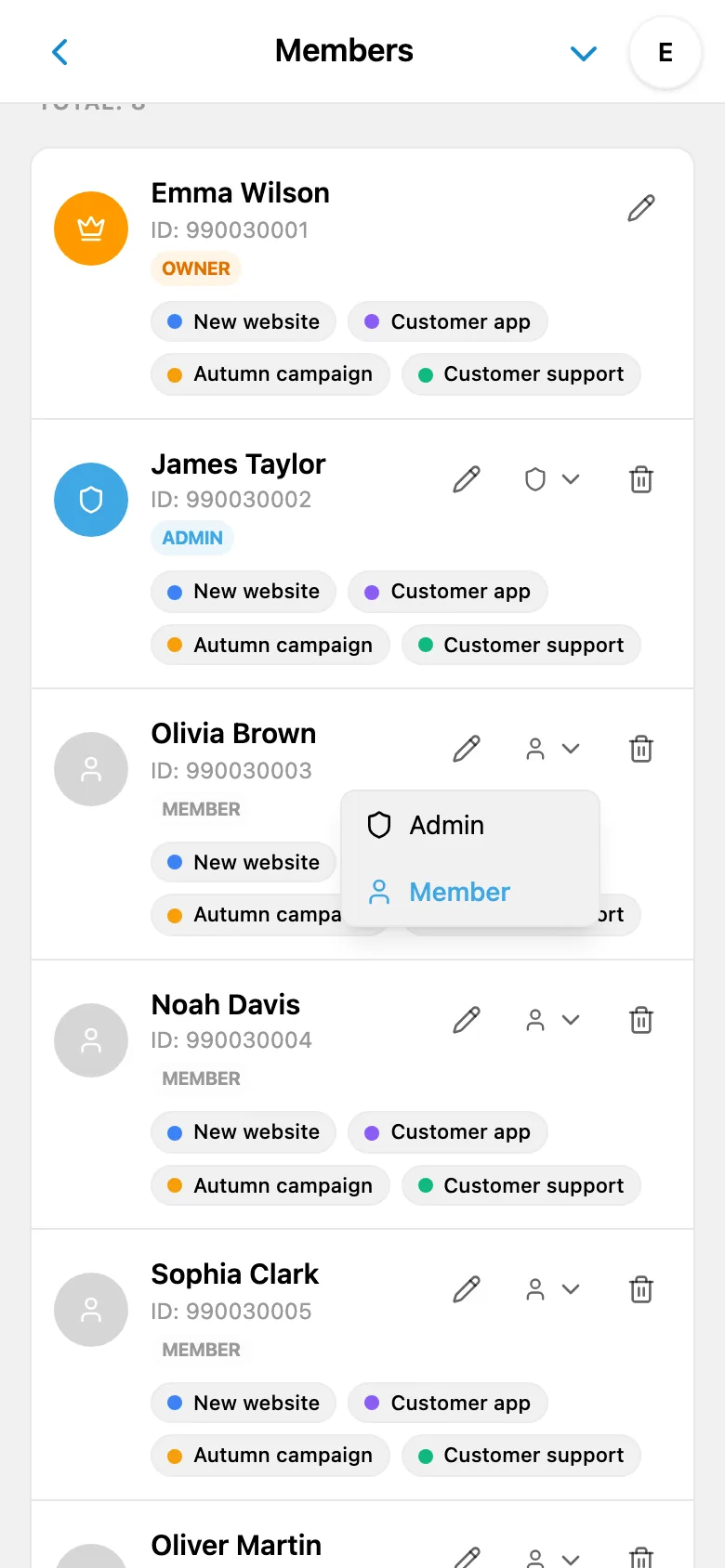
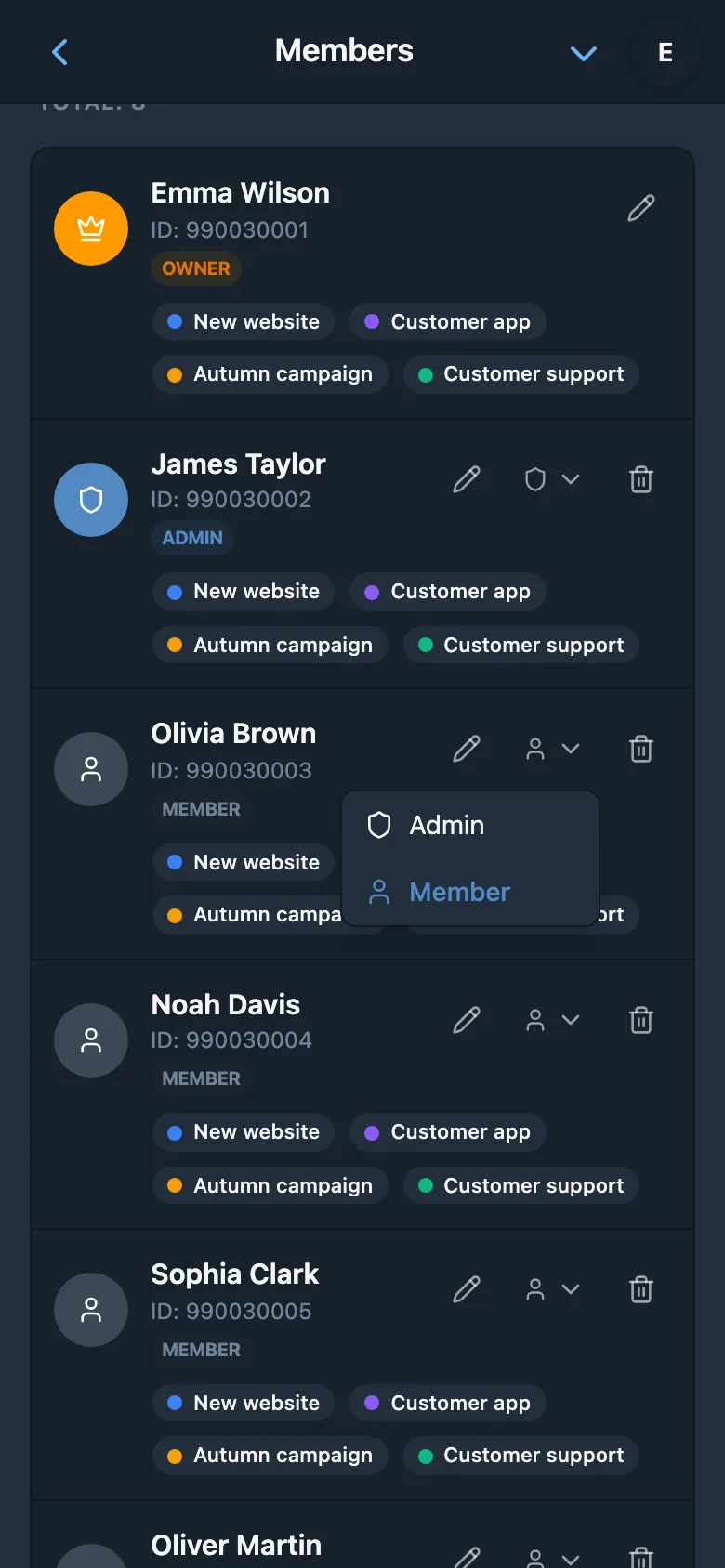
Not everyone on your team needs the same level of access. iTasks provides three distinct roles to keep your workspace organized and secure. Each role defines what a team member can see, create, and manage - so you stay in control without micromanaging permissions on every task.
- Owner - full control over the workspace, including billing, member management, and all projects
- Admin - can manage tasks, projects, and members, but cannot change billing or delete the workspace
- Member - can work on tasks in projects they have been granted access to
This layered approach means your developers focus on their tasks, your leads manage the project scope, and workspace owners retain full control - all with clear, predictable boundaries.
Project-Level Permissions
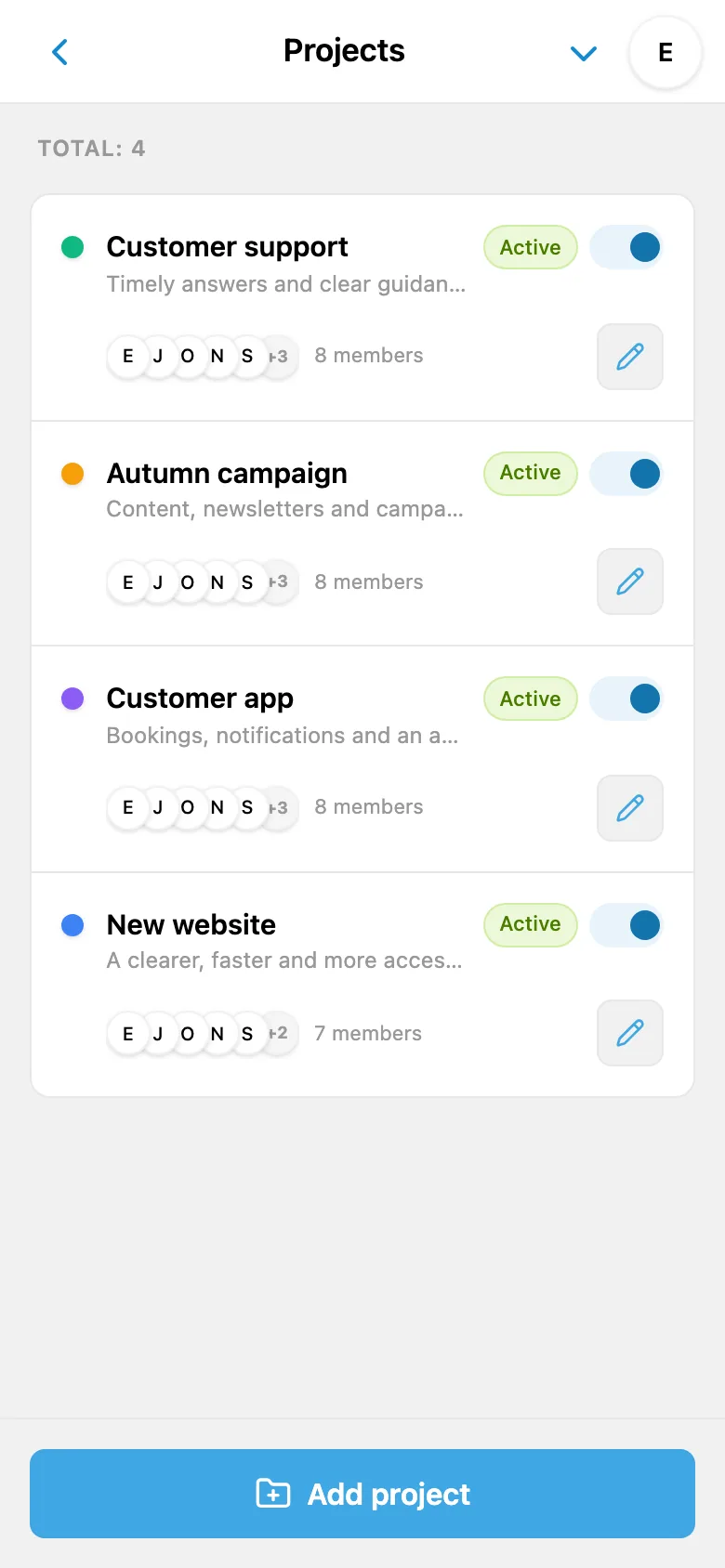
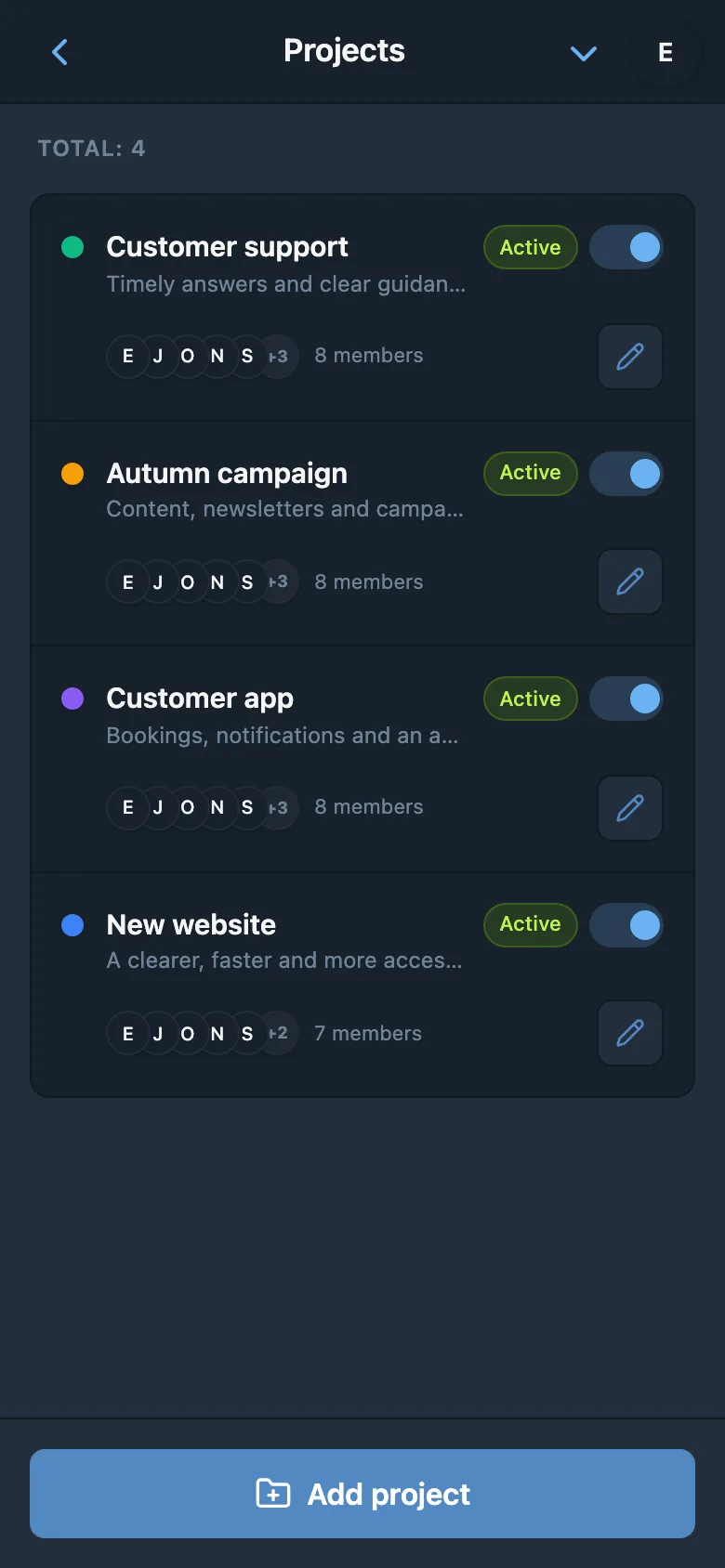
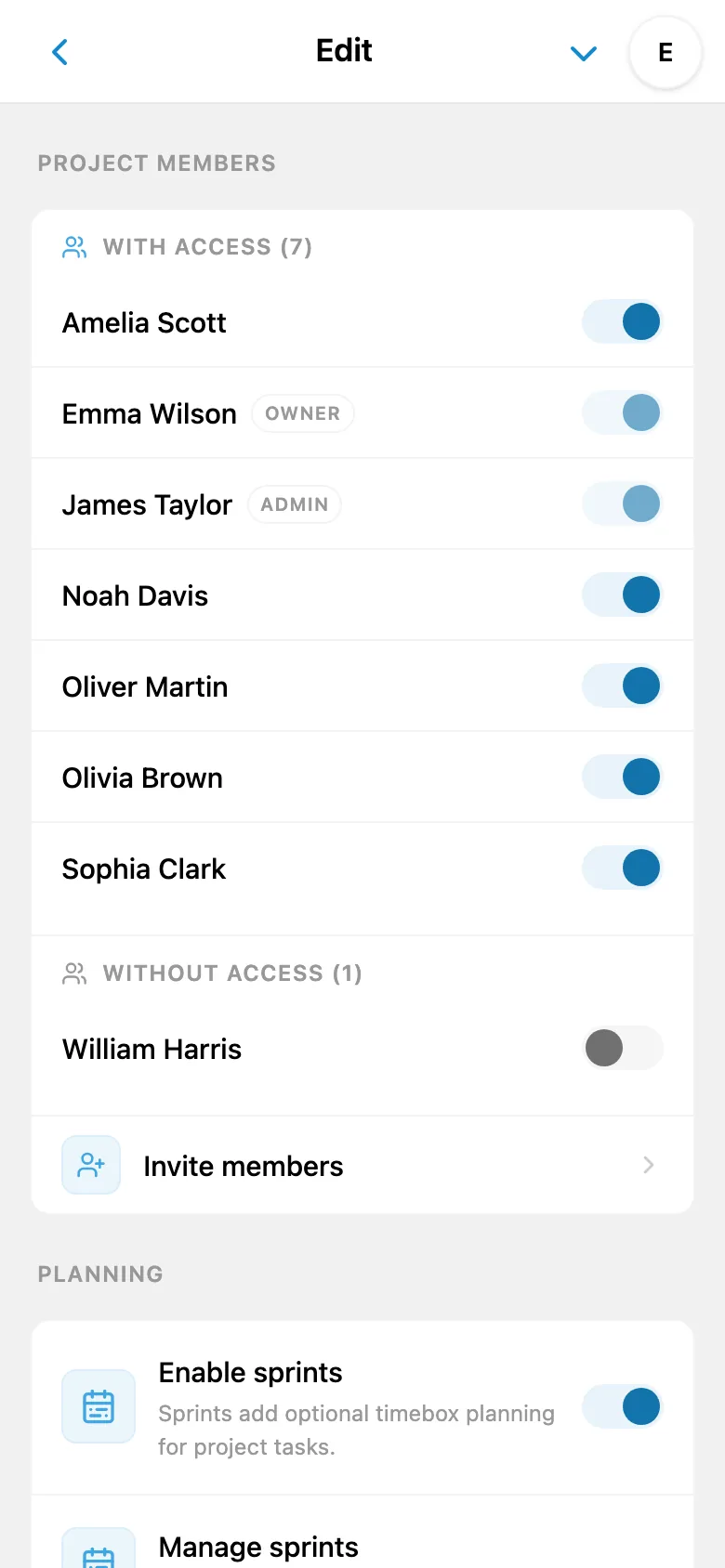
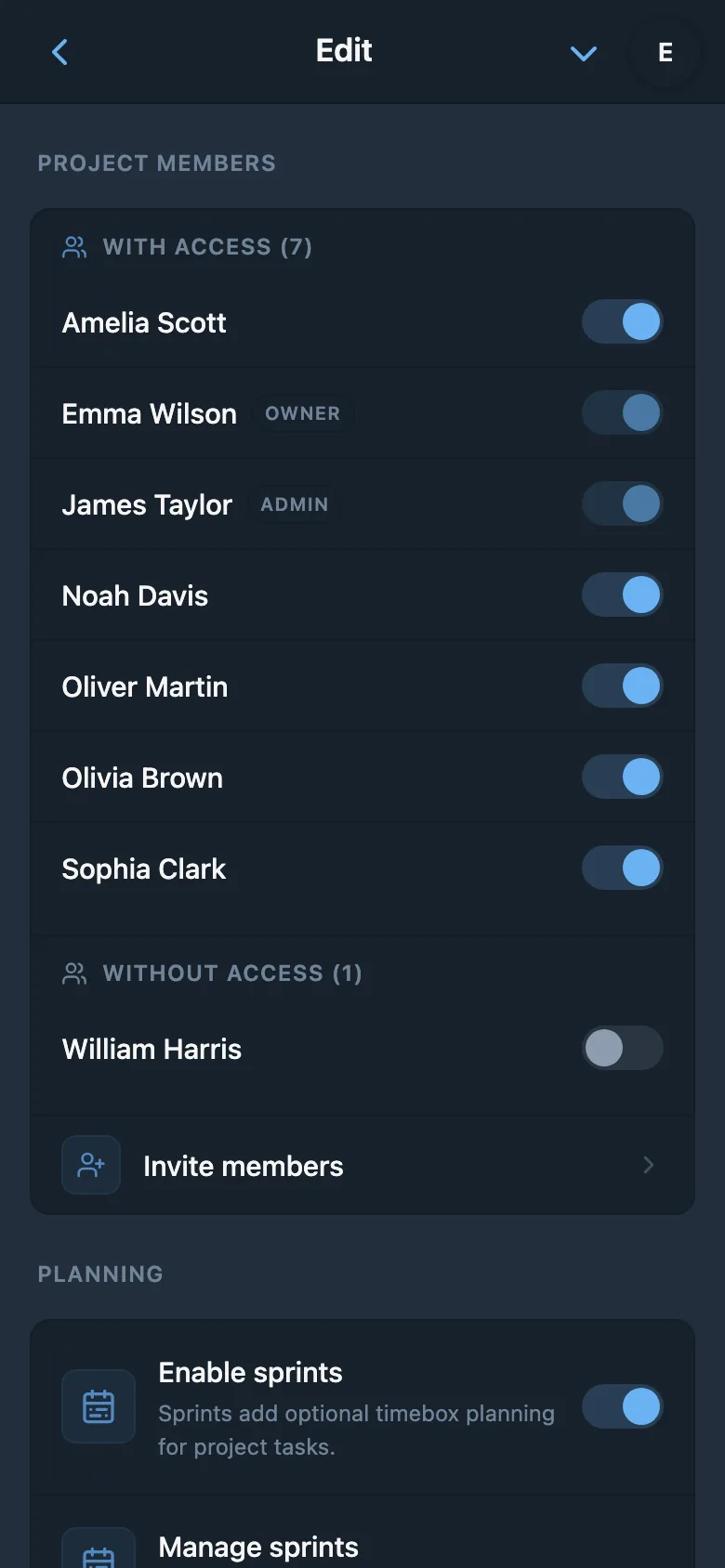
Beyond roles, iTasks gives you project-level access control. Restrict which projects each member can see and work on. A designer might only need access to the "UI Redesign" project, while your backend team works exclusively in "API Development." Members only see tasks from projects they have been explicitly granted access to.
This is ideal for organizations that run multiple departments or client projects within the same workspace. Keep sensitive projects hidden from unrelated team members without creating separate workspaces. It is the right balance of openness and security - everyone sees what they need, and nothing more.
Easy Onboarding
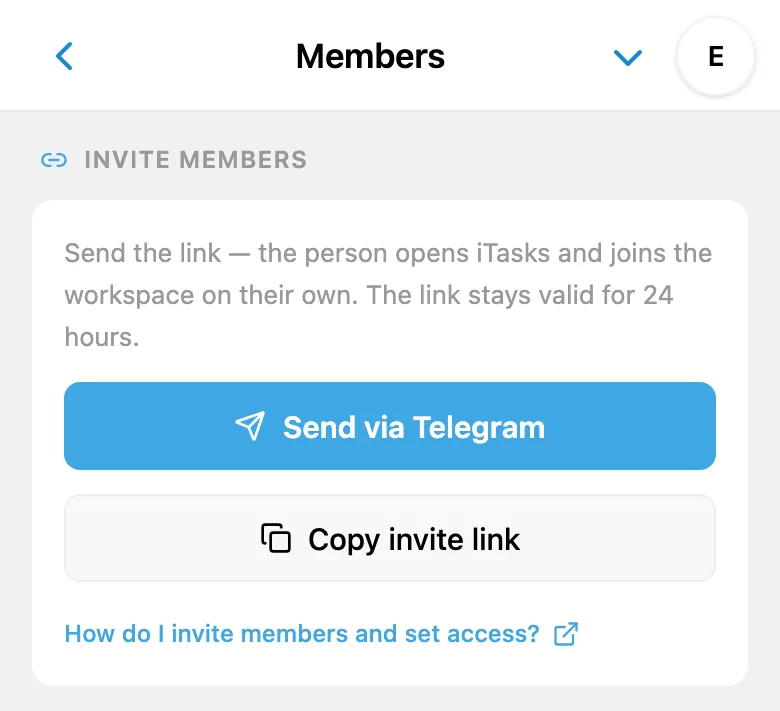
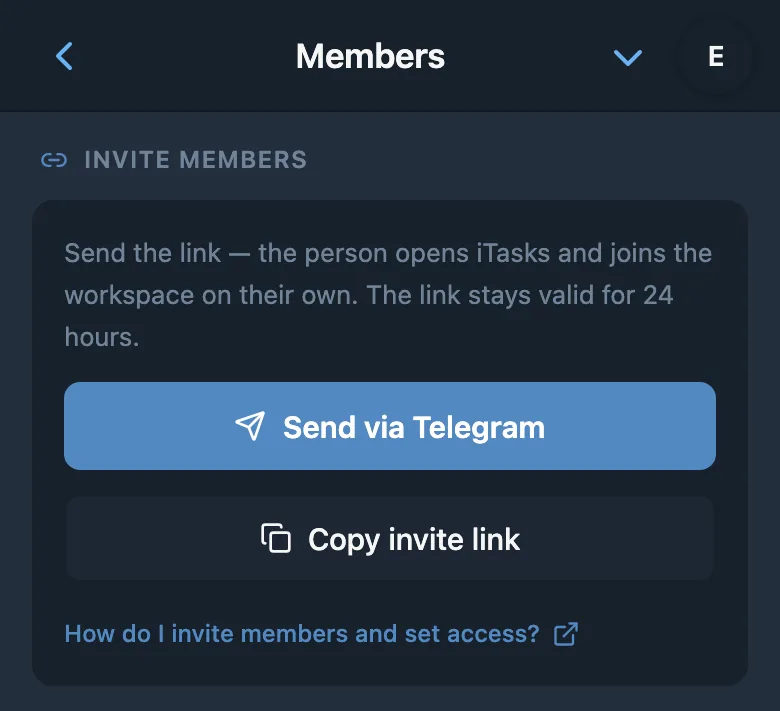
Getting your team on board should take seconds and not turn into an IT ticket. iTasks generates a shareable invite link for your workspace - Telegram Mini App uses a Telegram bot link, while Android and iOS apps use a link that opens the mobile app directly. Send it through Telegram, another messenger, or a work chat, and new members join with a single tap.
For more targeted invitations, Admins and Owners can also add members manually by Telegram ID. This gives you full control over who joins, making it easy to onboard specific contractors, freelancers, or new hires without sharing a public link. Either way, your team is up and running in under a minute.
Instant Telegram Notifications
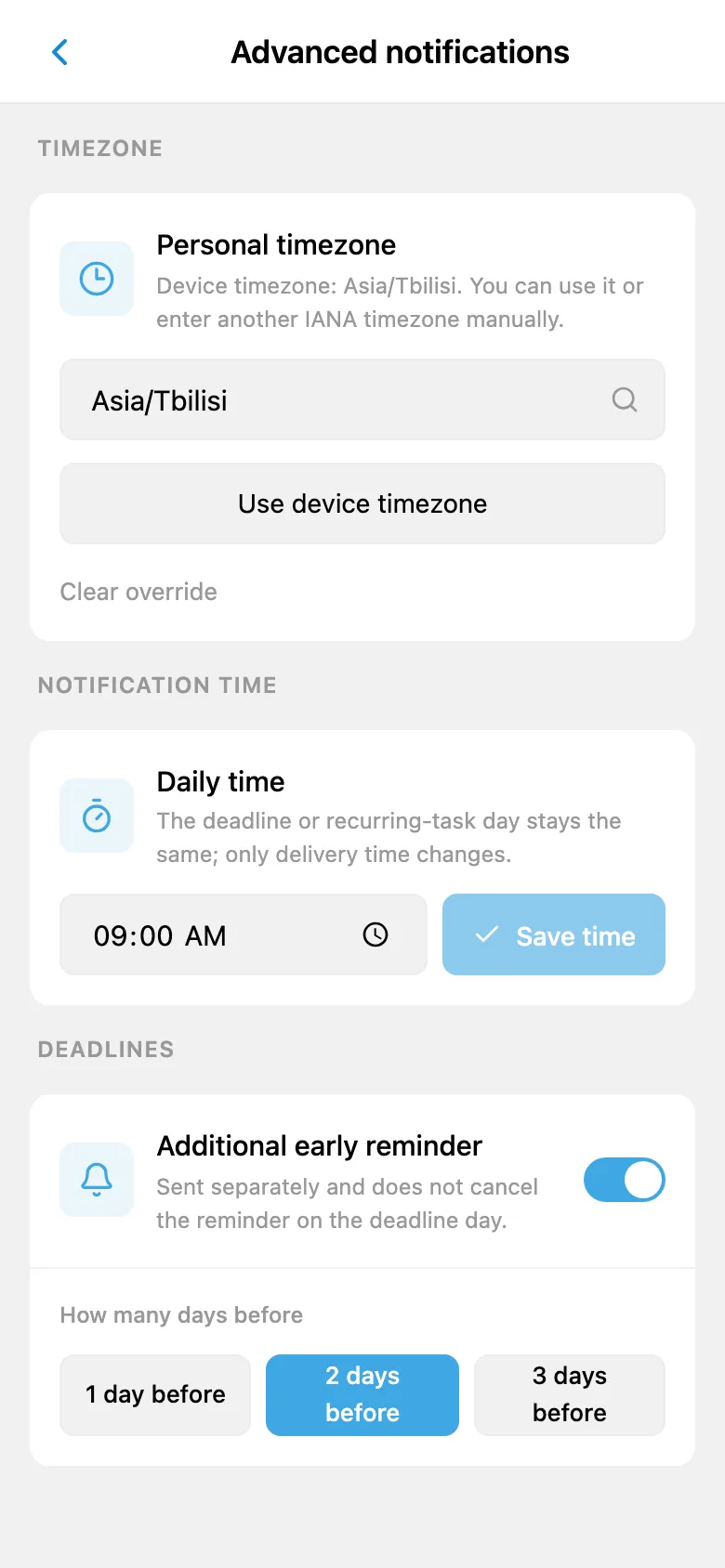
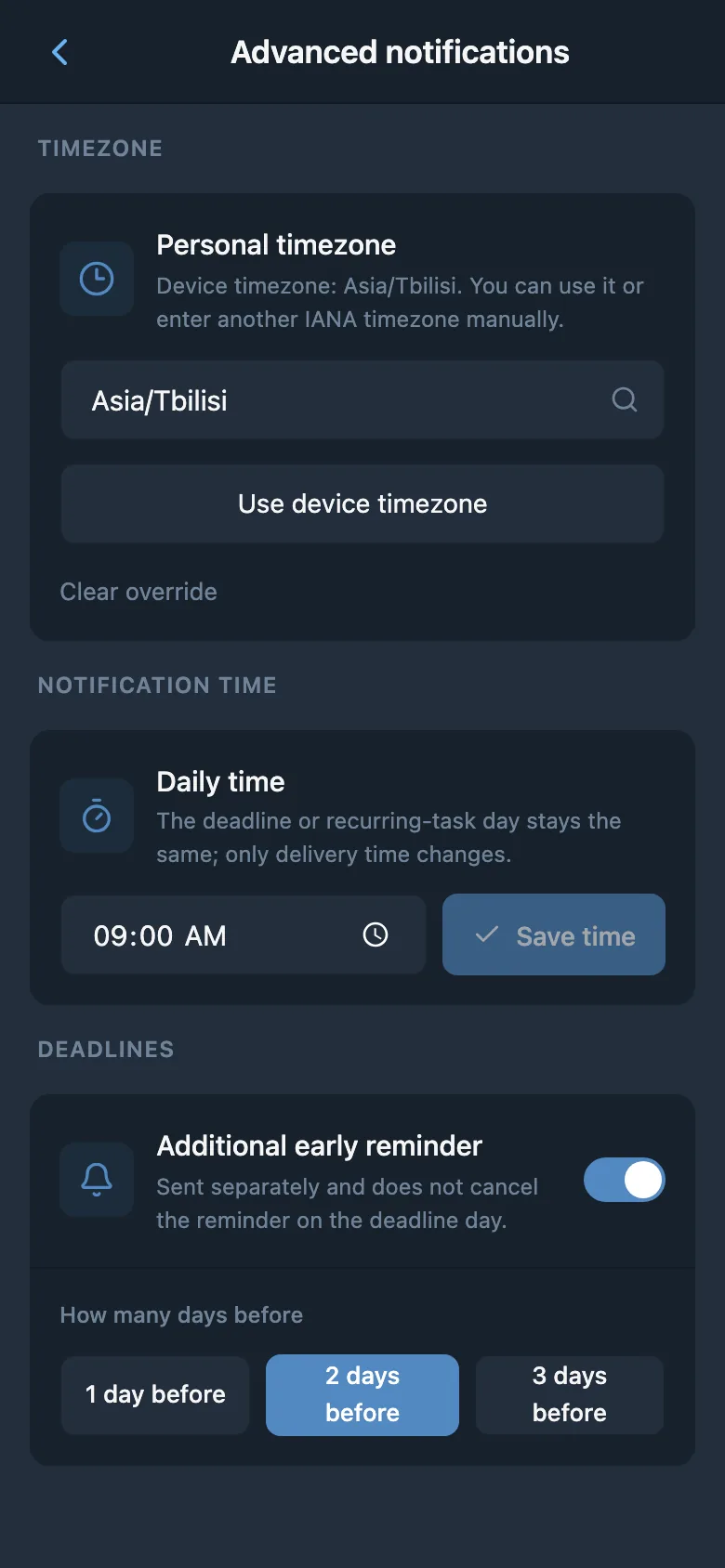
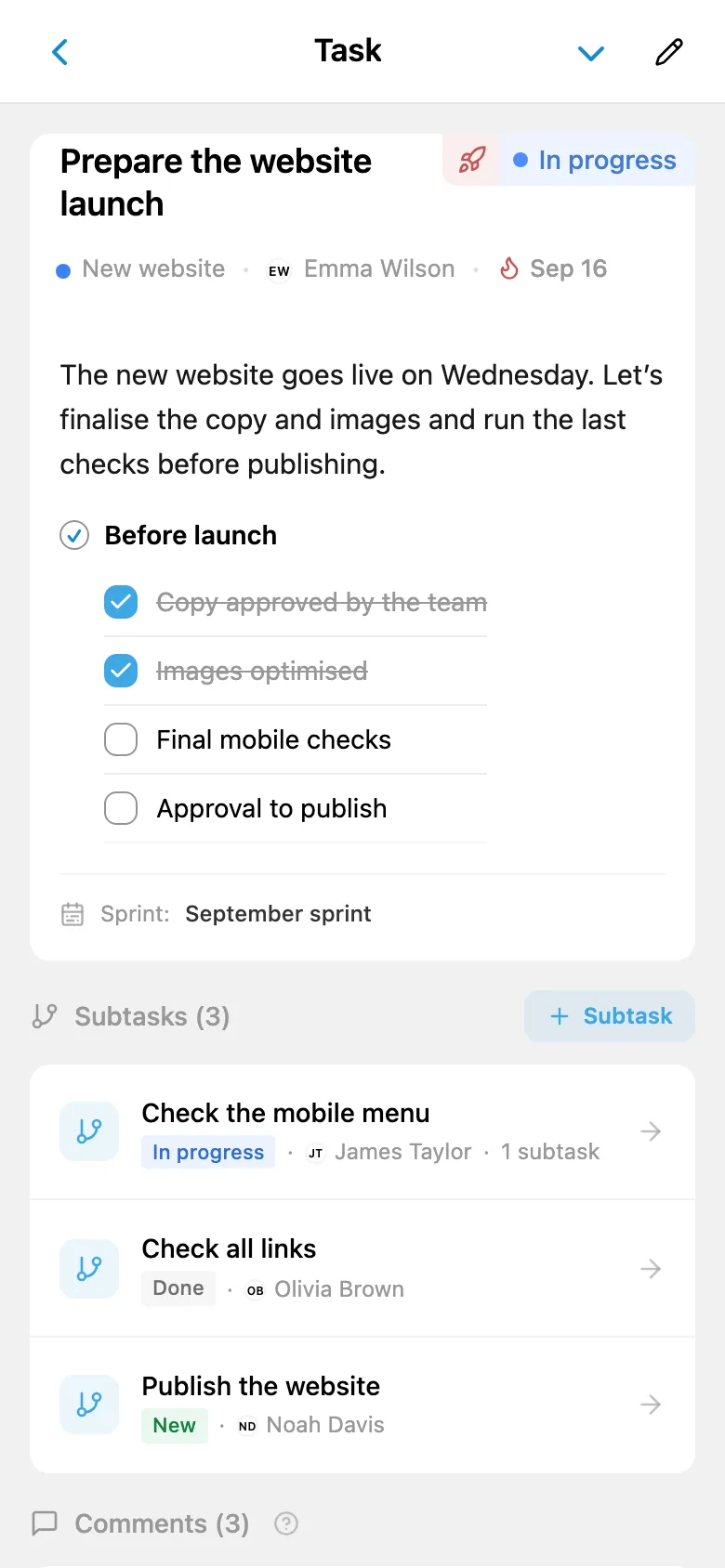
iTasks sends notifications where your team already is - directly in Telegram. Status changes and comments go to the task author, assignee, and watchers, except the user who made the update; the assignee also receives assignments and due-date reminders. No email threads to dig through, no notification center in yet another app.
Notifications are enabled by default for work events where a user is the task author, assignee, or watcher. Users can turn the Telegram or Push channel off in their profile when needed. This keeps your team responsive without requiring anyone to "check the project management tool."
Questions about team collaboration
What roles are available in iTasks?
Three roles: Owner (full workspace control, billing), Admin (manage tasks, projects, and members), and Member (work on tasks in accessible projects).
Can I restrict access to specific projects?
Yes. You can grant members access to specific projects only. They won't see tasks from projects they don't have access to.
How do I invite team members?
Copy the workspace invite link: Telegram Mini App uses a Telegram link, while Android and iOS apps use a mobile app link. Admins can also add members by Telegram ID.
How many members can I have?
Free plan: up to 3 members. PRO plan: up to 50 members per workspace.
How do notifications work?
Status changes and comments go to the task author, assignee, and watchers, except the user who made the update. The assignee also receives assignments and due-date reminders.
Build your team's workspace
Invite your colleagues and start collaborating in under a minute.
Get started freeExplore more features