
Tasks via the Telegram bot
Write to the bot the way you’d write to a teammate: who, what and by when. iTasks builds a task draft and creates the task only when you tap the button.
One message, a ready task draft
Open a private chat with @iTasksBot and write an instruction in plain words, the way you would to a colleague — a file can come along: “New task for Anna, due Friday: prepare the autumn campaign content plan and send it to Oliver for approval. Urgent — brief attached.” AI separates the title and description, finds the assignee among the workspace members, picks the project by meaning, sets the due date and priority, and attaches the brief to the draft.
The bot replies with a draft card. The task appears in iTasks only when you tap “Create task” — until then the assignee gets nothing. There are no commands or special syntax to learn.
Corrections by message, button or edit
If the bot got it wrong or you changed your mind, just write “not Anna, Peter” or “due next Tuesday”. AI applies the correction to the draft instead of appending it. You can also change the assignee, project, due date and priority with a button on the card.
Describe a task in several messages in a row and they end up in one draft. A forwarded client message goes into the description word for word, as a quote with the author’s name. Made a typo? Edit your message in Telegram: until the task is created, the bot fixes the draft.
Voice, photos and files
Faster to say than to type? Send a voice message up to 10 minutes long — the bot transcribes it and builds the same draft. Send a photo of a mockup or a screenshot with a caption: the image goes into the task description. Documents, spreadsheets, archives, audio and video become attachments. Several photos sent at once as an album become one draft, with all of them in the description.
Files use the workspace’s storage. Before uploading, the bot checks that there’s enough space and tells you right away if there isn’t; on the free plan, the owner gets a “Get PRO” button. Each file can be up to 20 MB.
Status right from the message
In the “Task created” card, the status has its own row among the fields, and its value is a button. Tap it and the card turns into a list of statuses in the order set up in your workspace, with the current one marked. Pick one: the task moves there right away and the card comes back with the new status; “← Back to task” returns it unchanged. The assignee opens the same list from the new task notification: two taps and the task is “In progress”.
For a task with a workflow, the list shows the next and previous workflow steps. The “Open task” button takes you to iTasks, where you can discuss and add to the task.
The same draft as in the app
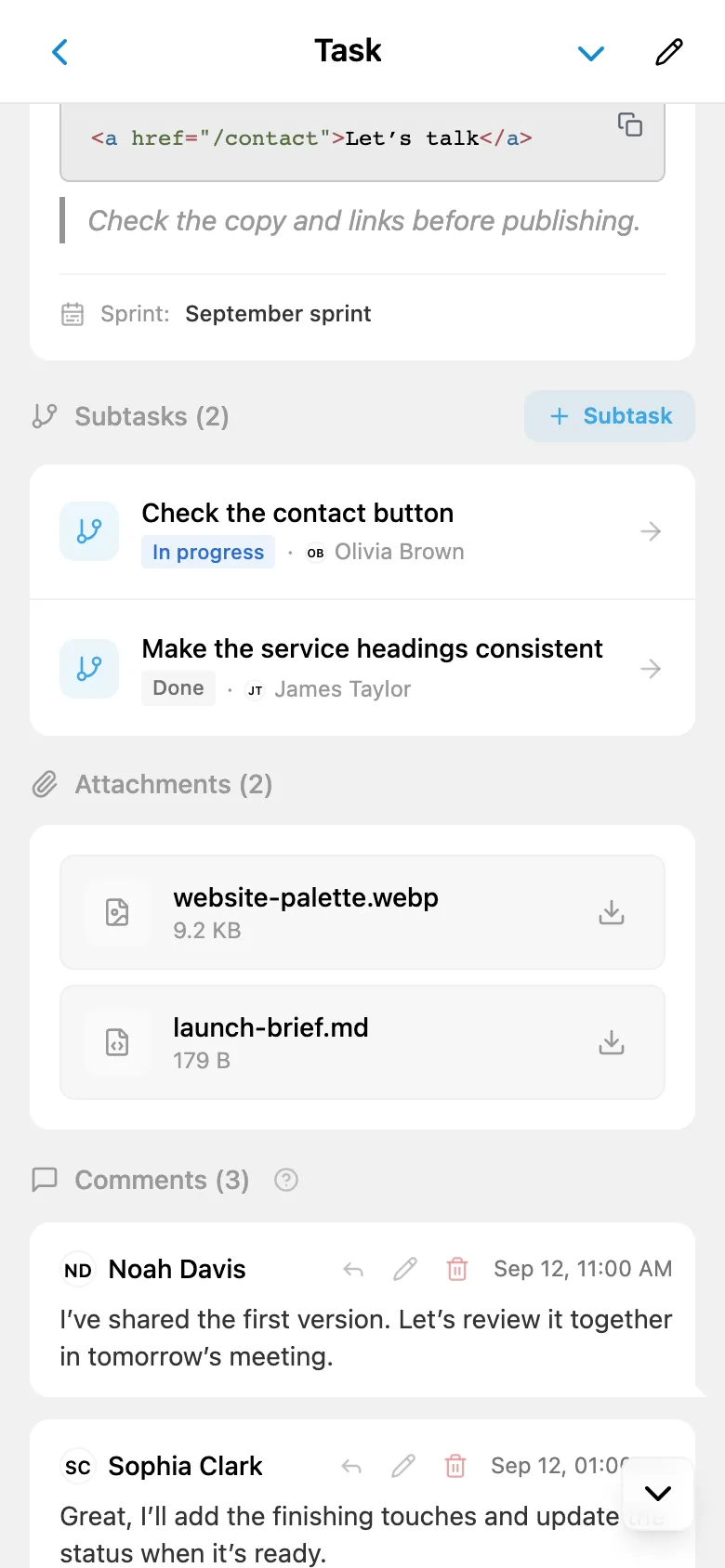
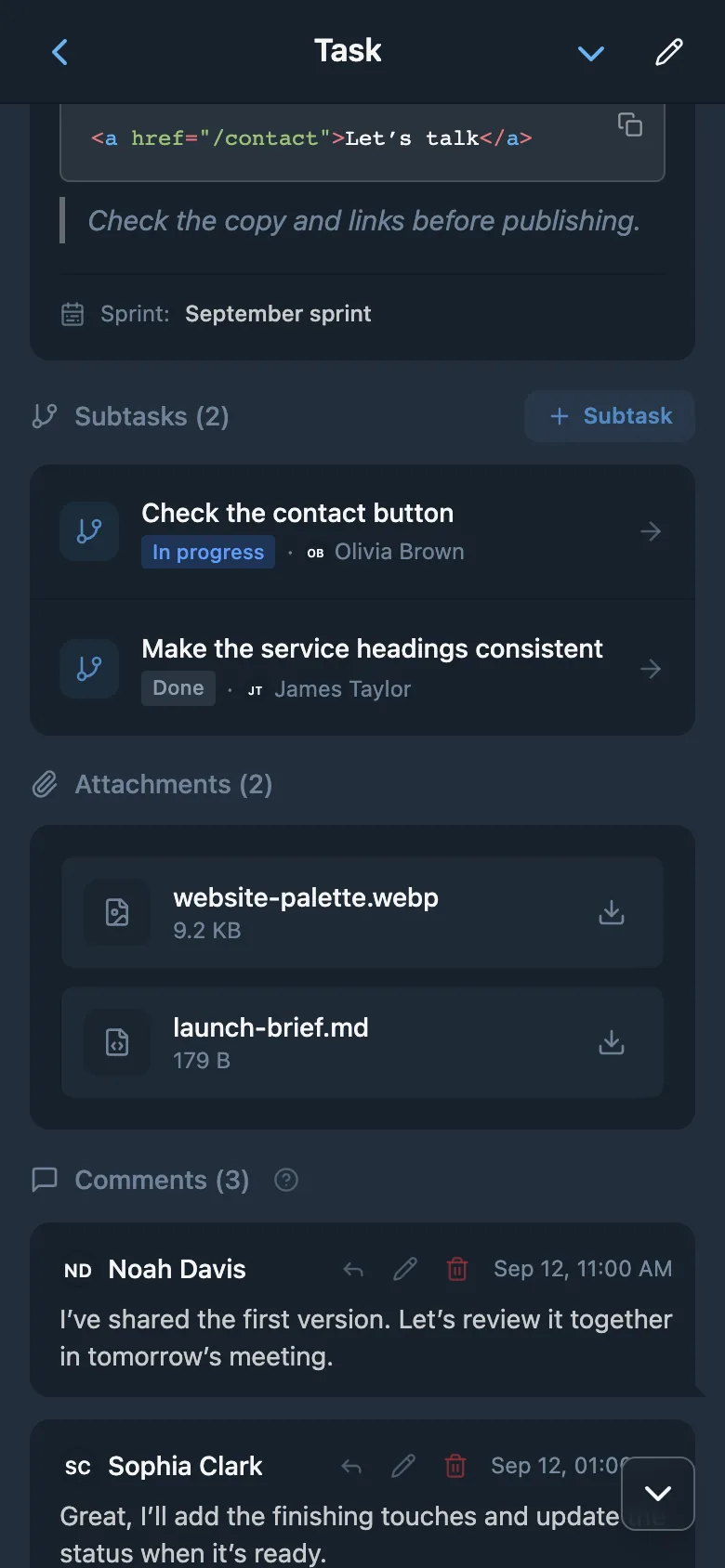
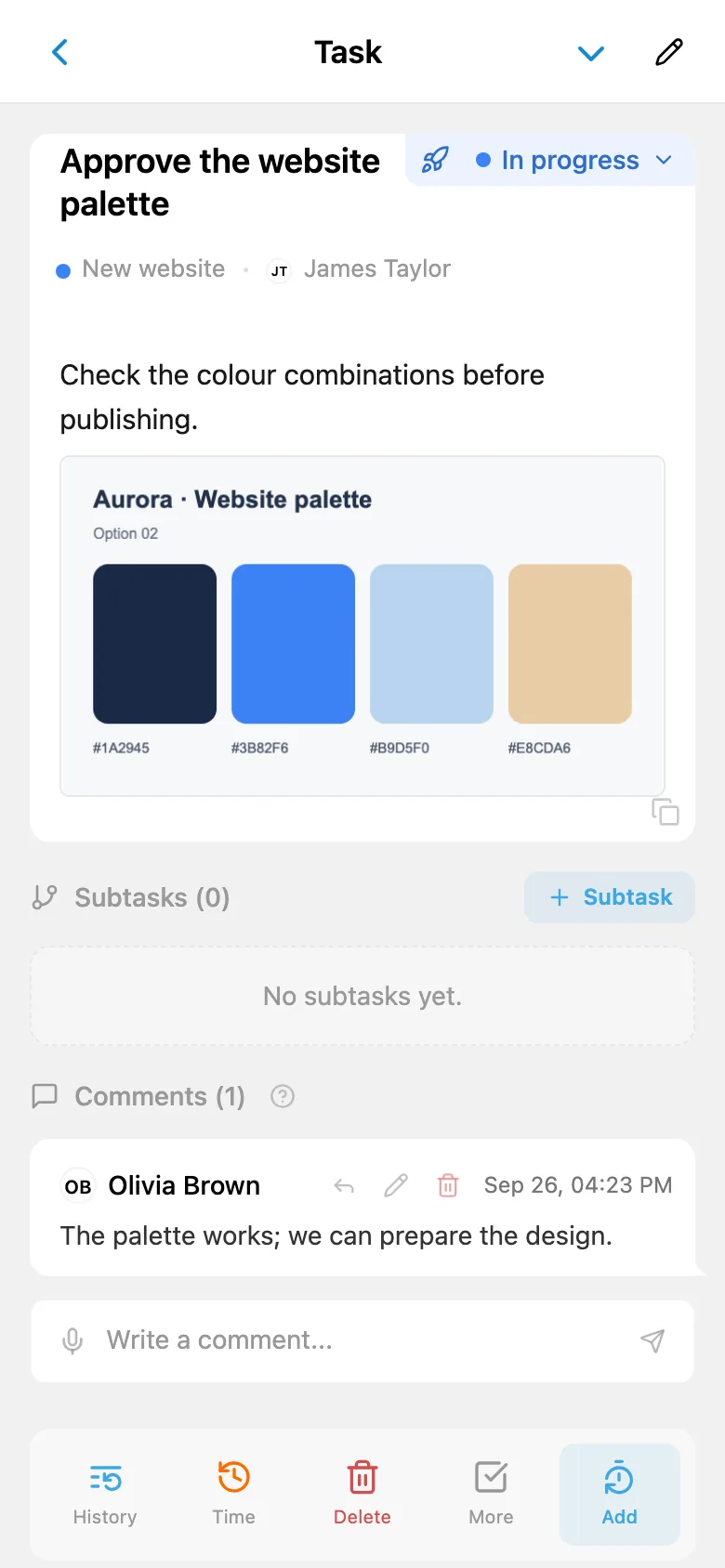
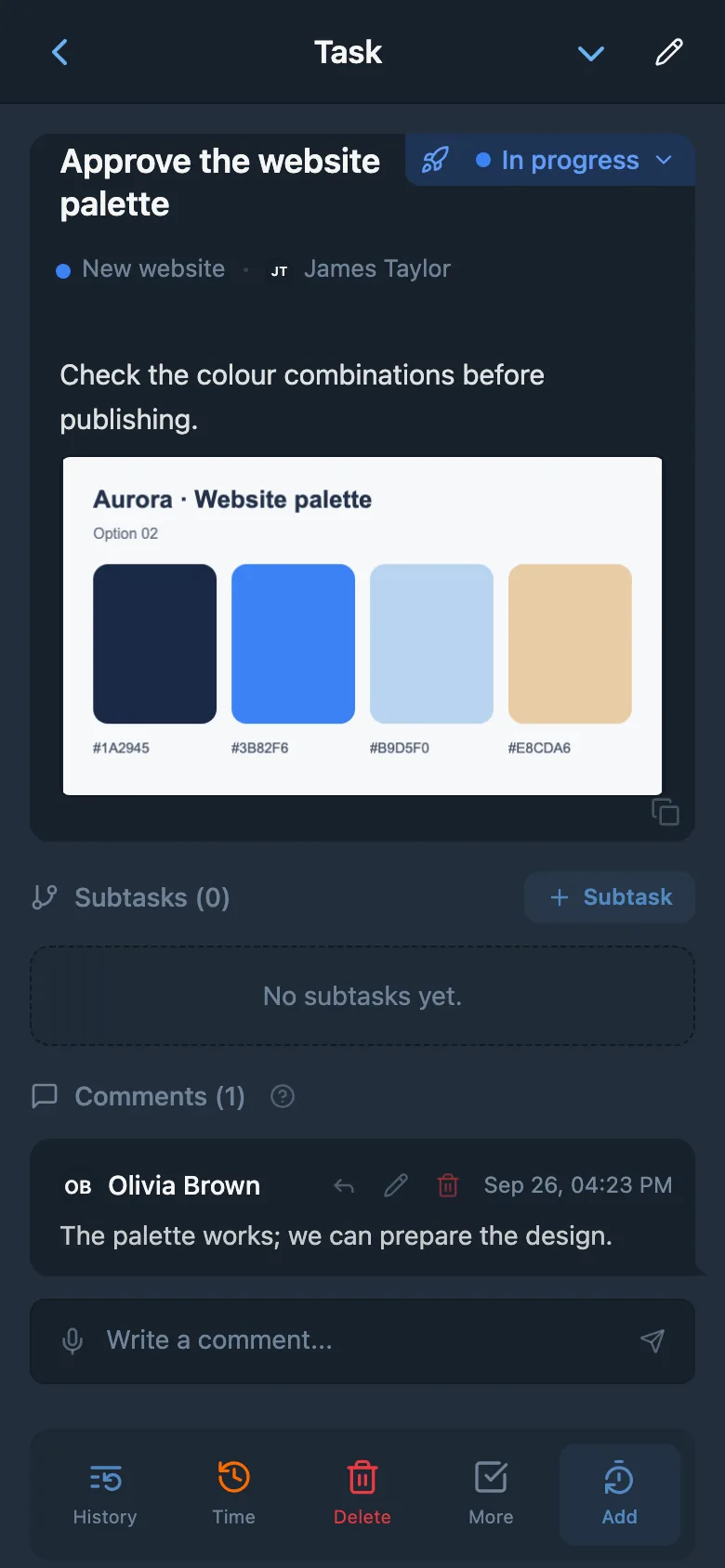
Every bot card is a regular iTasks draft: it shows up in the app’s Drafts right away, and only you can see it. The “Open draft” button opens it in the task form, where you can add watchers, a checklist or recurrence and create the task from there.
If you have several workspaces, the bot asks where to create tasks; change it with the /space command. Step-by-step instructions are in the help article “Tasks via the Telegram bot”.
AI parsing and no-AI mode
Parsing messages and transcribing voice messages use the workspace’s AI tokens — the same balance as voice input in the app. They’re included in Free and PRO within the plan’s allowance.
If the tokens run out or AI is unavailable, the bot doesn’t refuse: the first line of the message becomes the title, the rest becomes the description, and you pick the fields with the buttons. To save a task word for word without AI, use the /new command.
Questions about tasks via the bot
Do I need to open the app to create a task?
No. Message @iTasksBot in a private chat — it prepares a draft, and the task appears when you tap “Create task”. You need an iTasks account and a workspace with a project: if you don’t have them yet, the bot shows you how to start.
Is it available on the free plan?
Yes, the bot works on Free and PRO. AI parsing of messages and voice transcription use the workspace’s AI tokens. If the tokens run out, a text message still becomes a draft — you just pick the fields with the buttons.
Can I assign a task to a teammate?
Yes. Name the person in your message: “Anna, prepare the report”. Any workspace member with access to the project can be the assignee. They get a notification and can change the status right from it.
What does the bot do with photos and files?
A photo goes into the task description, while documents, spreadsheets, archives, audio and video become attachments. Files use the workspace’s storage: if there isn’t enough space, the bot tells you before uploading. Each file can be up to 20 MB.
Can I fix the task after sending the message?
Until the task is created, yes: send a correction, tap a button on the card or edit your message, and the draft updates.
Does the bot work in groups?
No. Tasks are created only in the private chat with the bot: it doesn’t read messages in groups.
Send the bot your first task
Open @iTasksBot, create a workspace and set a task in one message.
Start free in TelegramExplore more features