Integrated HelpDesk Through Your Own Telegram Bots
Customers write to the Telegram bot they already know, while your team replies from iTasks, assigns ownership, and links tickets to tasks. Manage user tickets right alongside your dev tasks.
Integrated HelpDesk for Your Bots
iTasks HelpDesk is for teams that want to run customer support through their own Telegram bots. You do not hand communication over to a third-party brand and you do not ask customers to learn a new portal. They message the bot they already know, and your team handles the work inside one shared workspace.
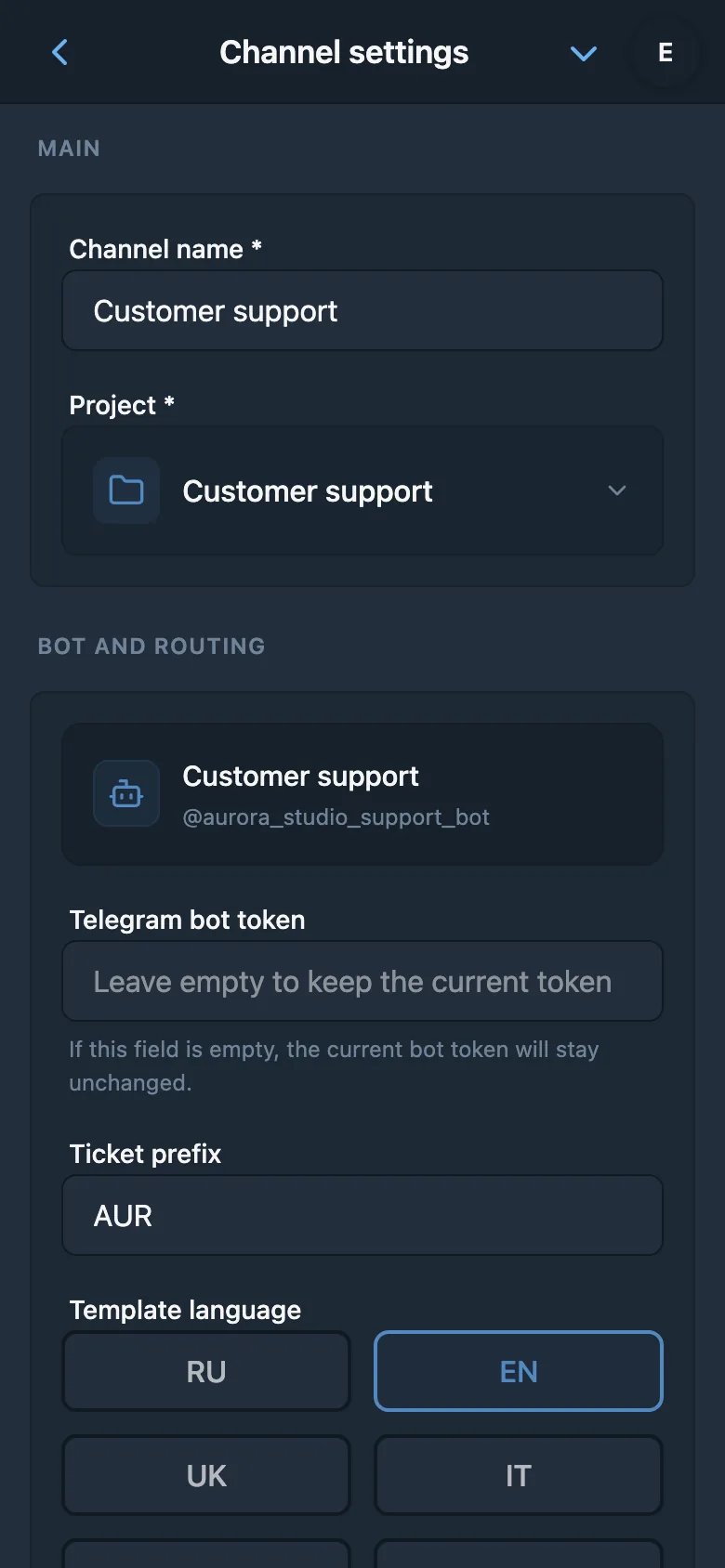
Every connected bot becomes a dedicated support channel linked to a project inside iTasks. This works especially well when you have multiple products, services, or brands: one bot for the main product, another for the store, another for a client area. The model stays simple, and the setup fits naturally into the existing Telegram integration.
Connect support bots instantly
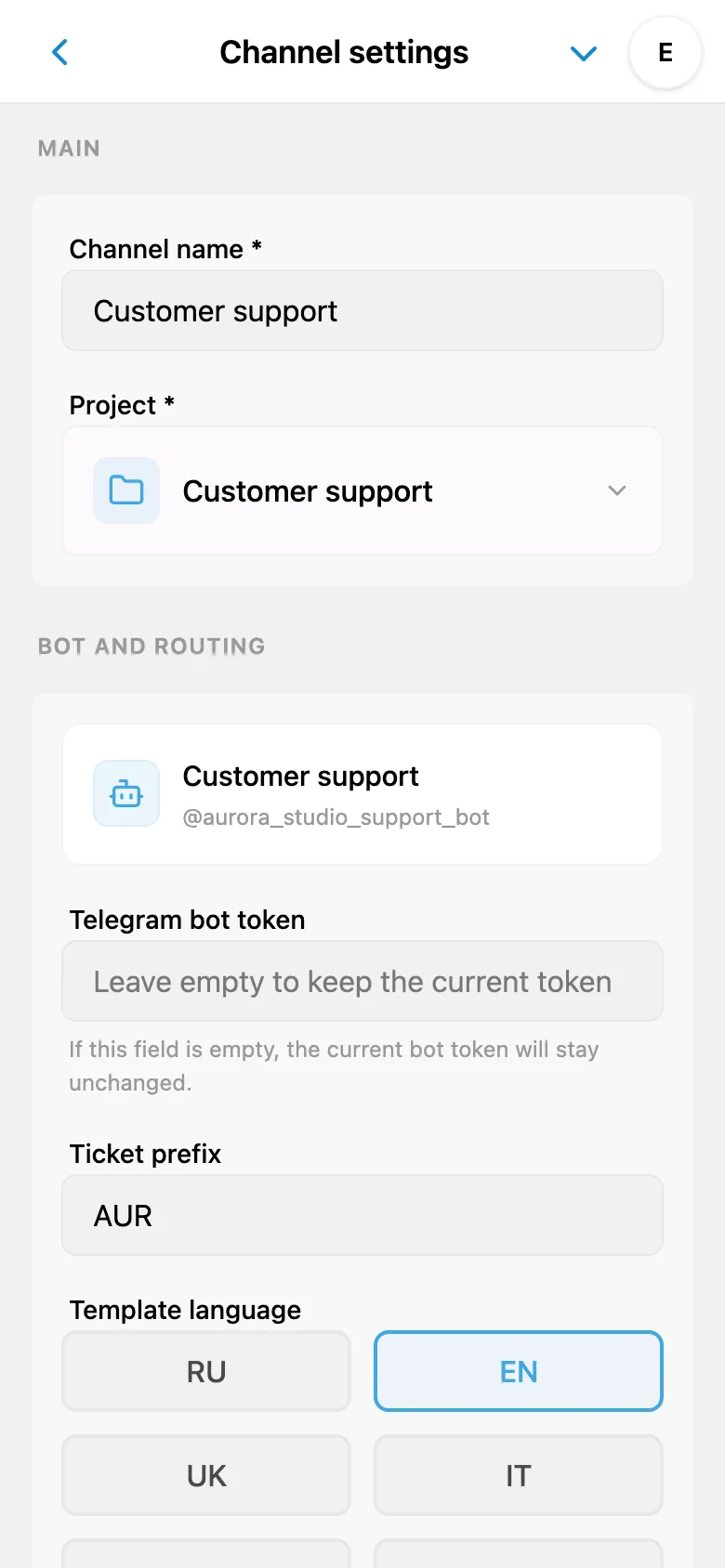
Connect your support bots instantly: the system handles the under-the-hood configuration automatically, no token wrangling required. Use an existing bot or create a new one from iTasks, and user tickets start flowing into the shared workspace.
Manage User Tickets in the App
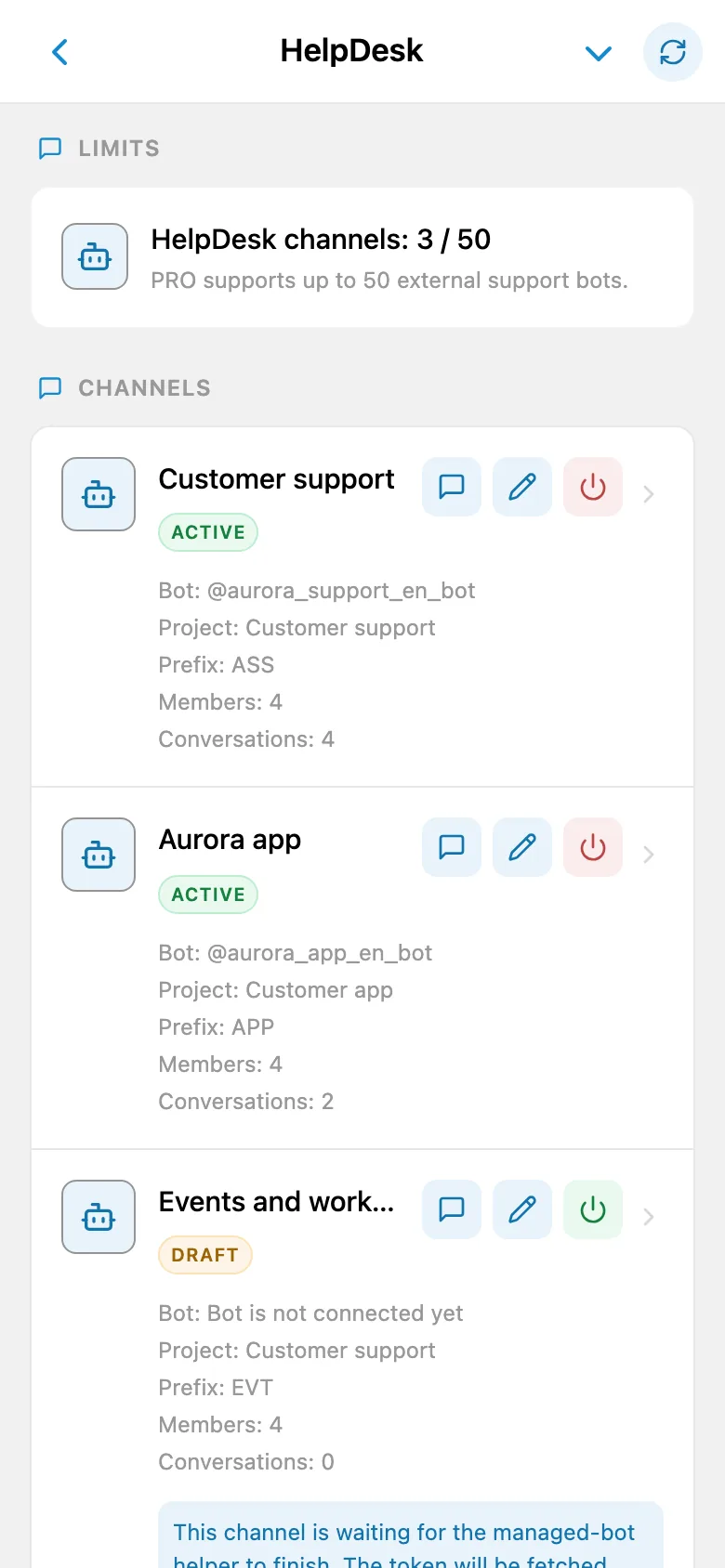
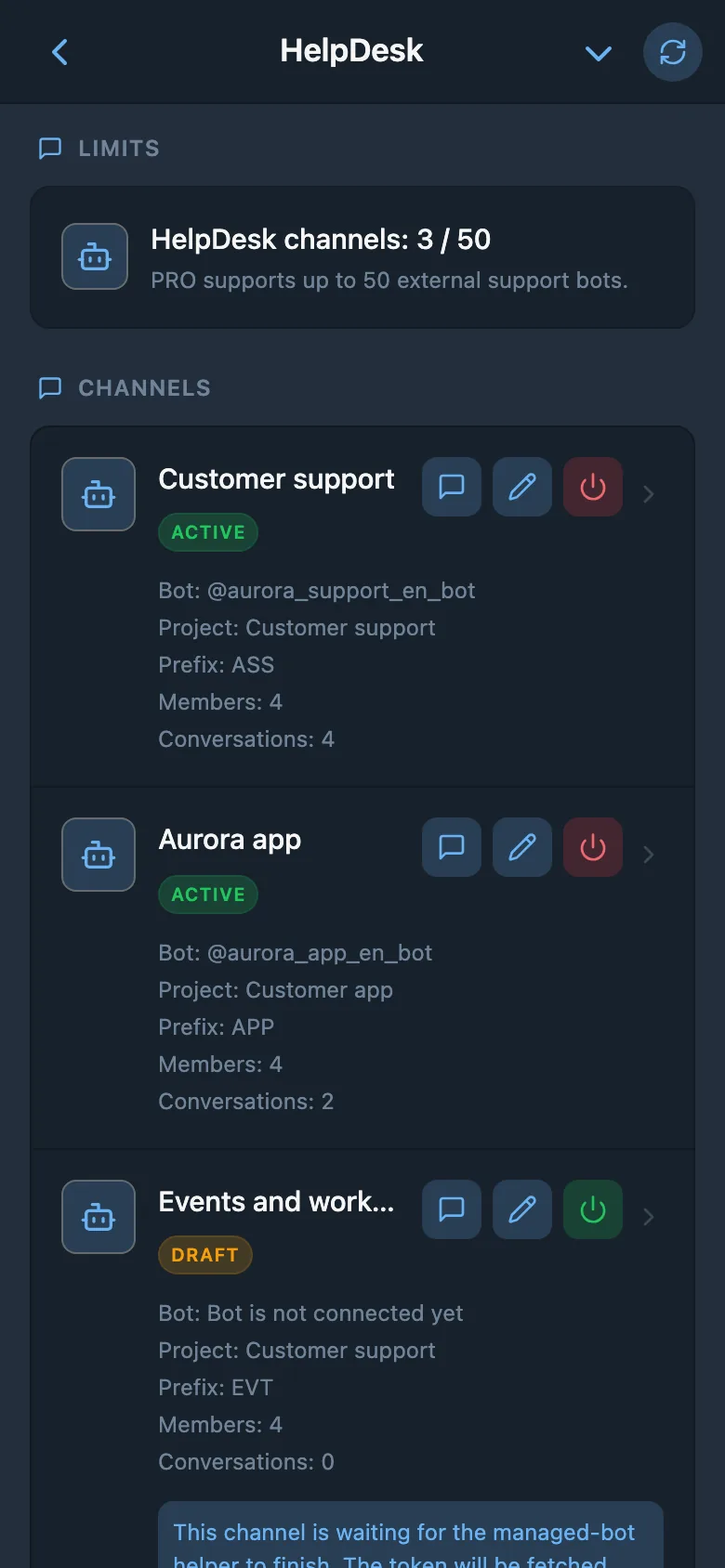
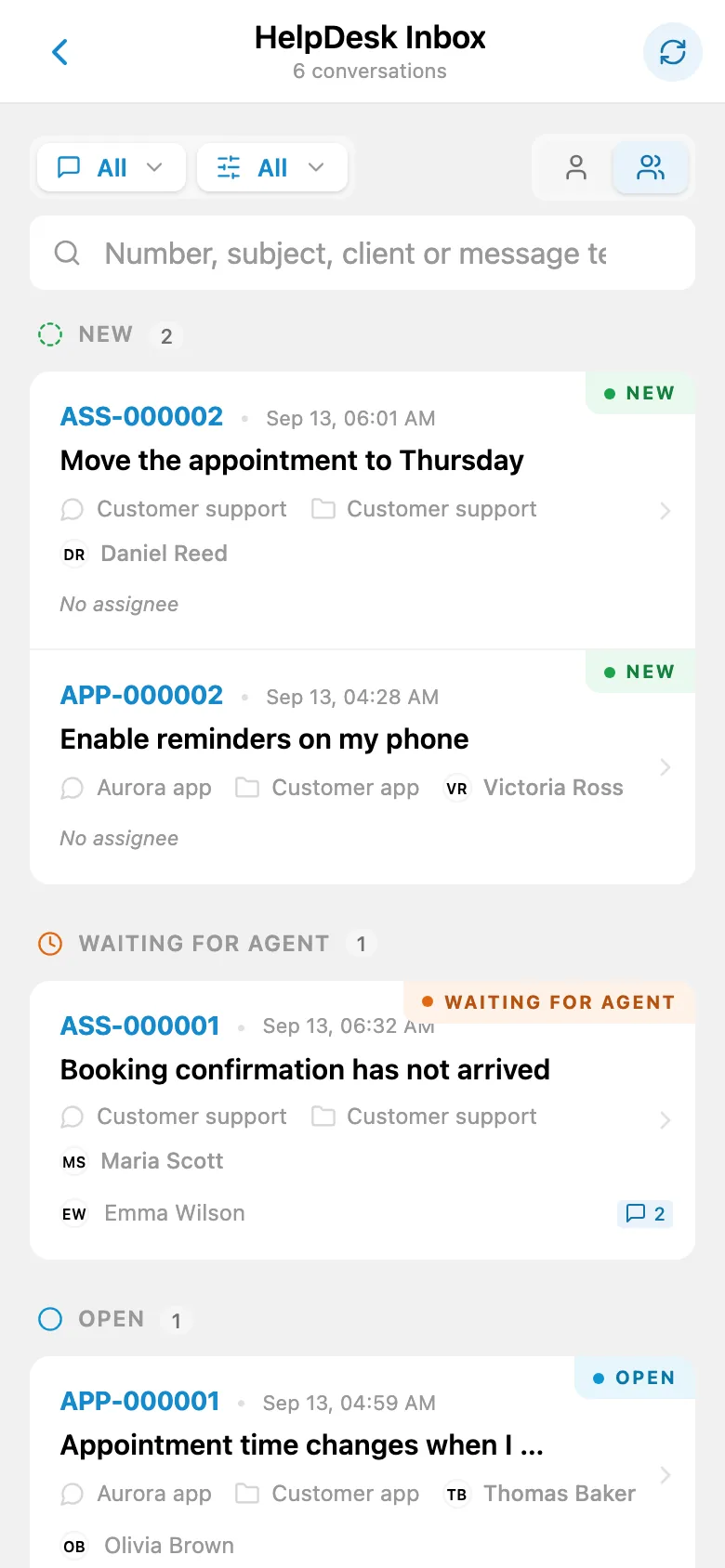
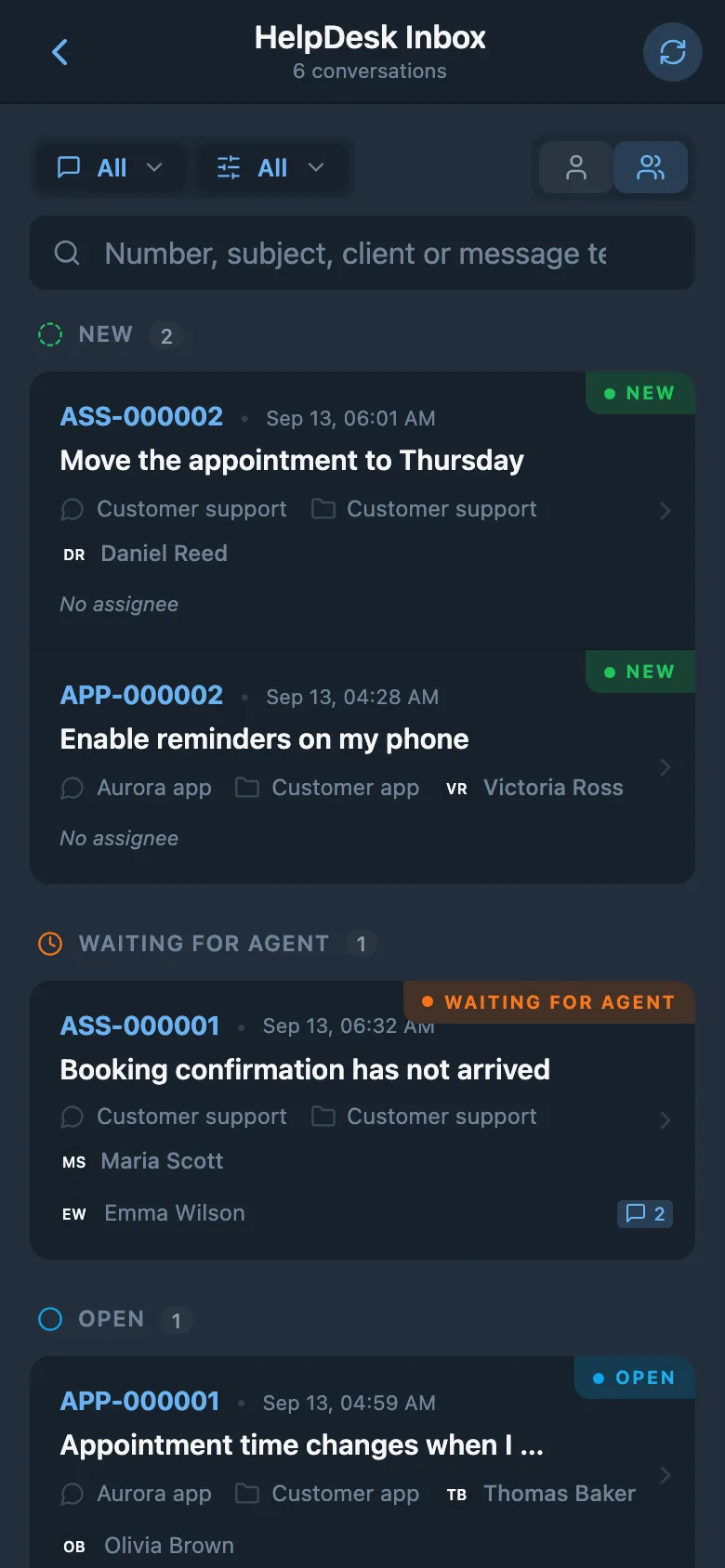
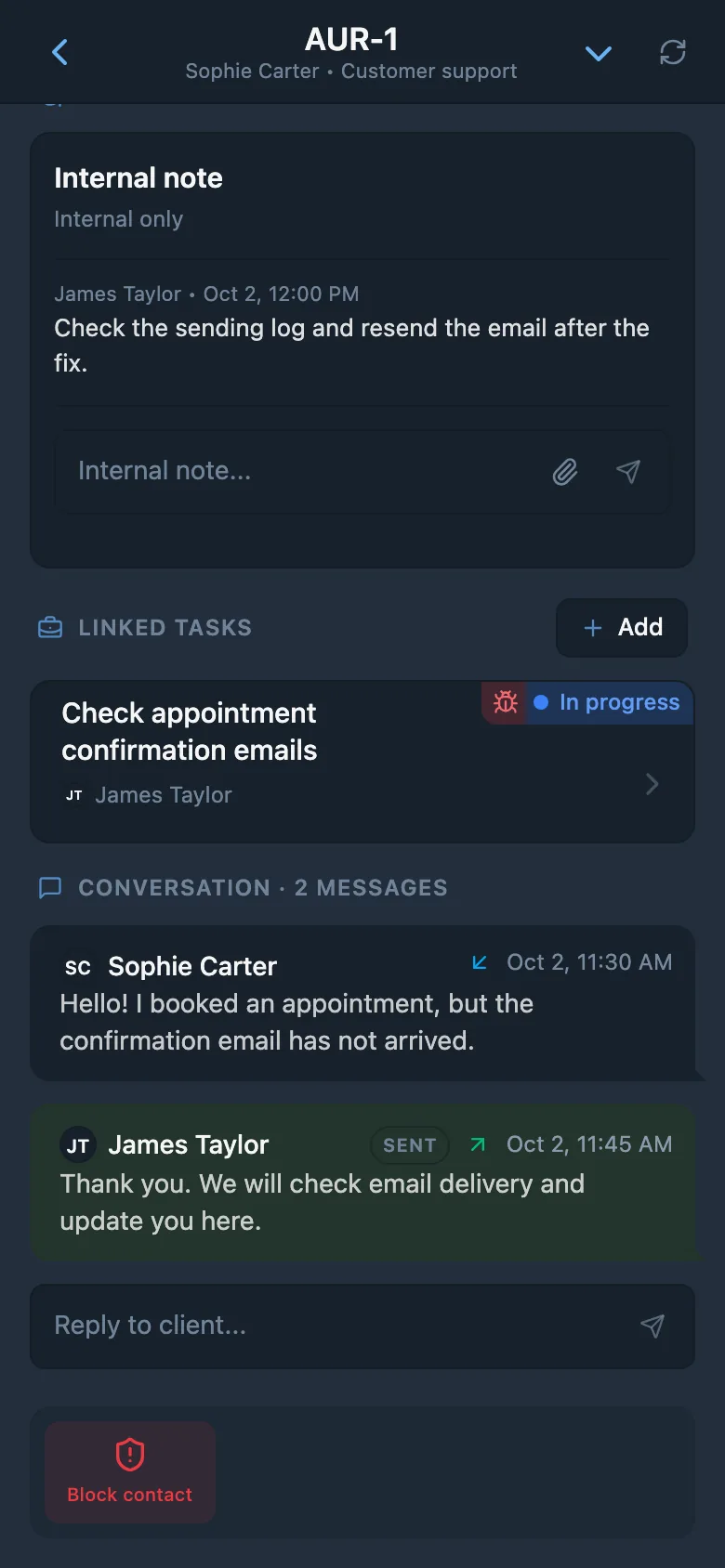
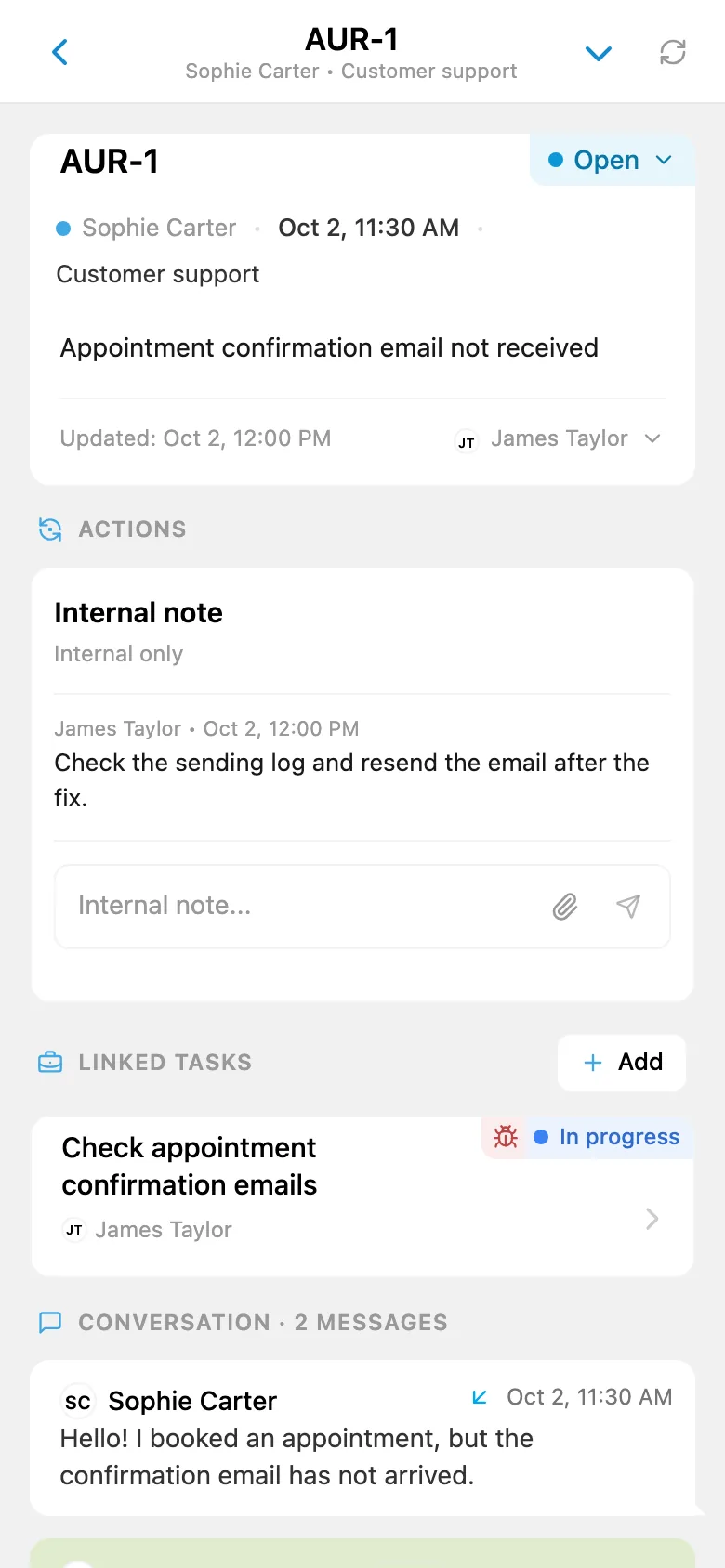
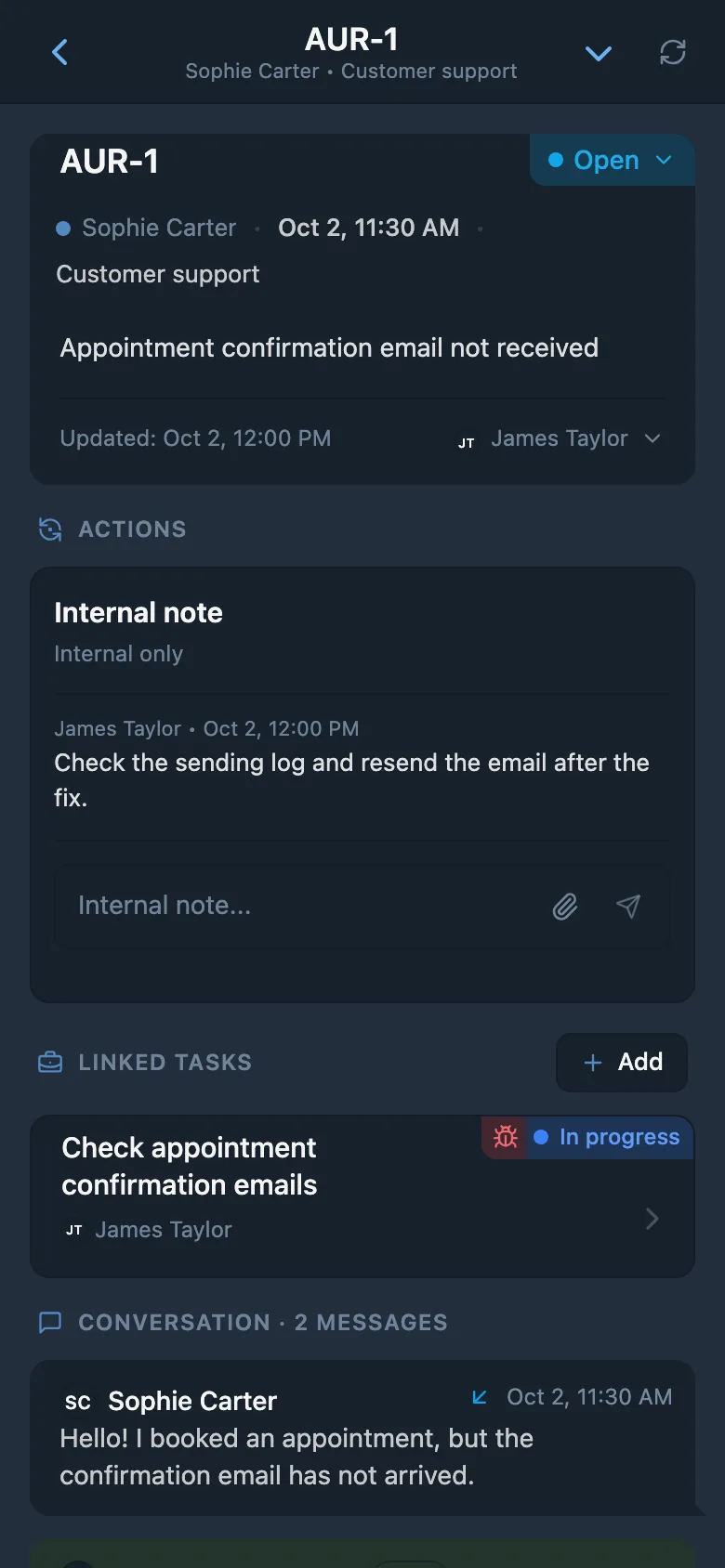
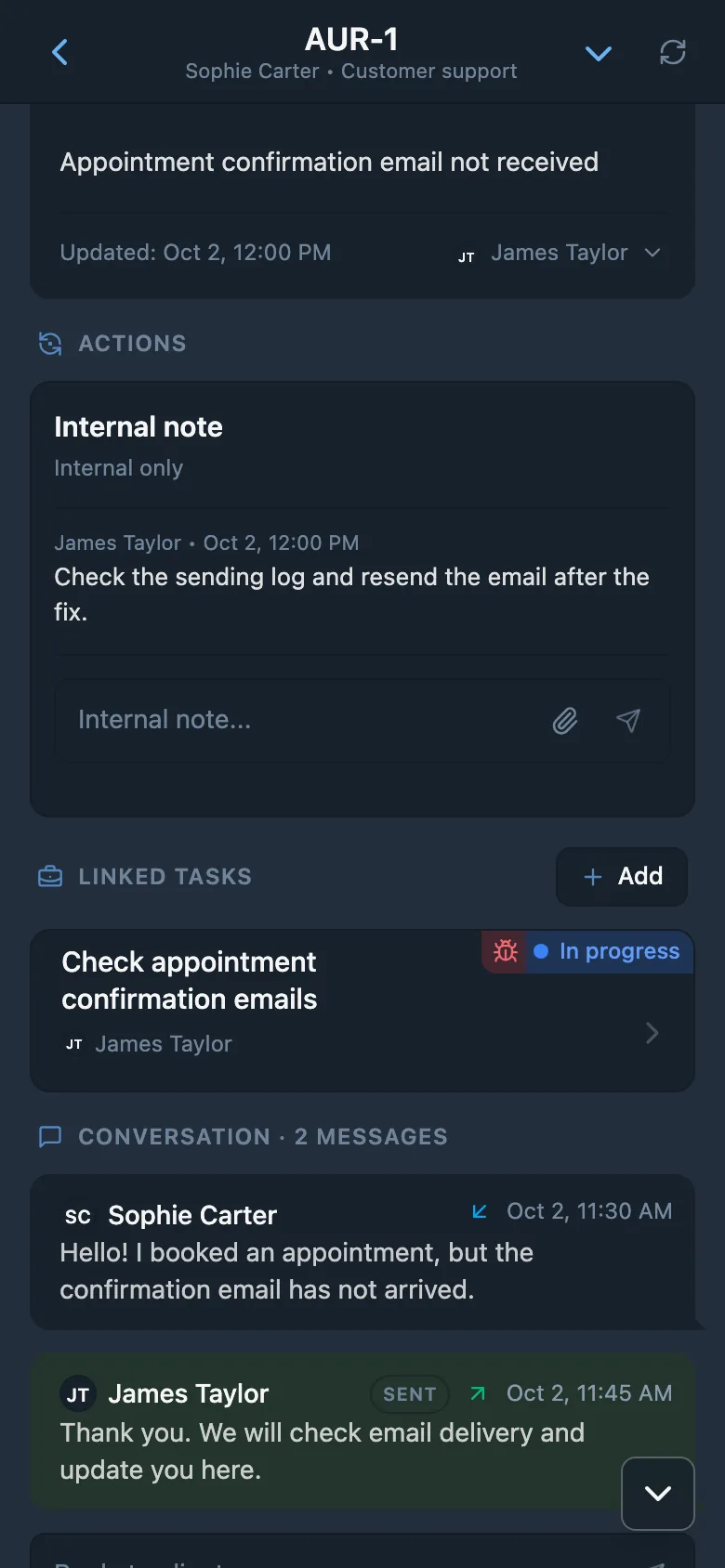
When a customer sends a message to your bot, it appears in a dedicated support inbox inside iTasks. Your team sees the list of tickets, opens the conversation card, assigns an owner, changes statuses, and understands what needs a response right now. Instead of scattered Telegram chats, you get a clean operational queue.
If the customer keeps writing about an already open issue, the thread continues in the same conversation card. If the issue is closed and the customer comes back later, a new conversation is created. This keeps support history organized without making the process feel technical or heavy.
Connected to Tasks
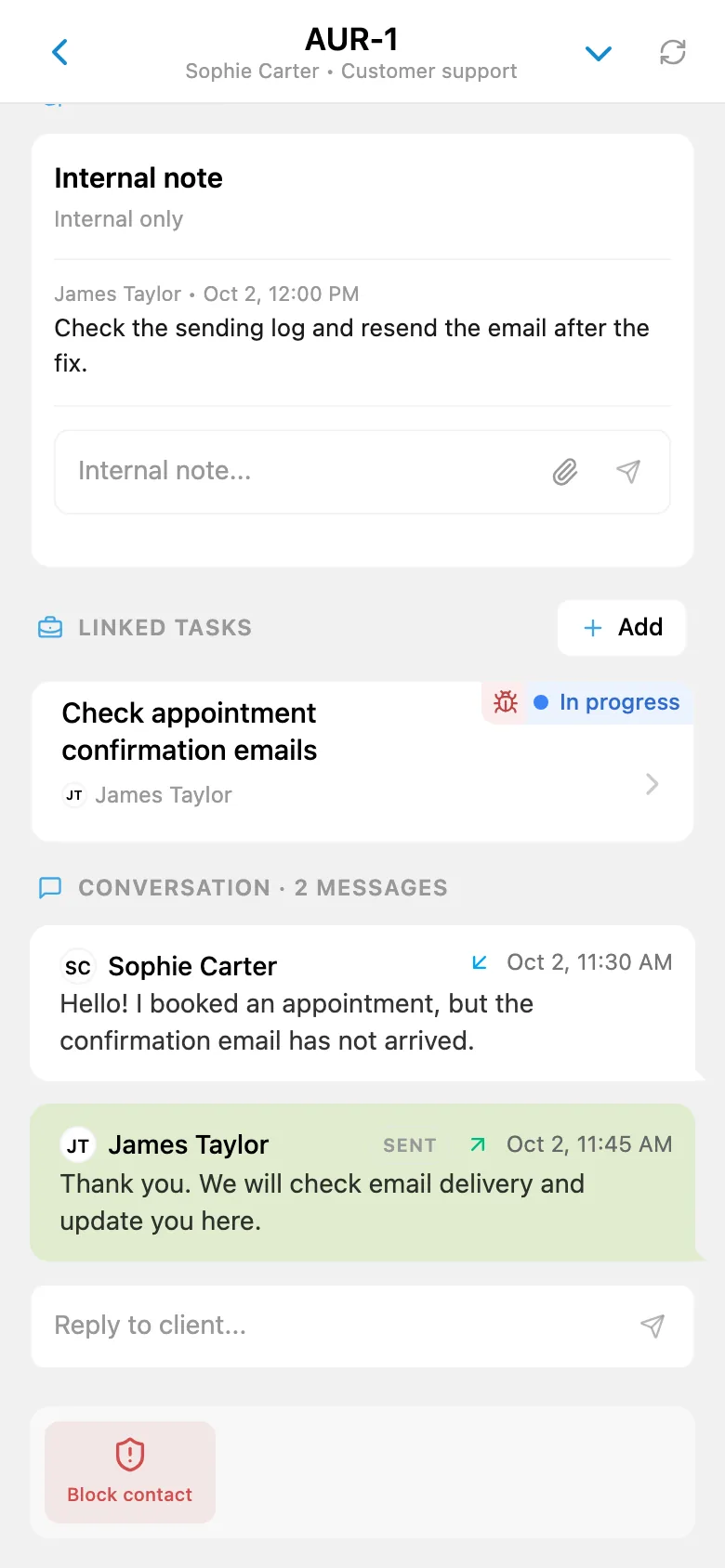
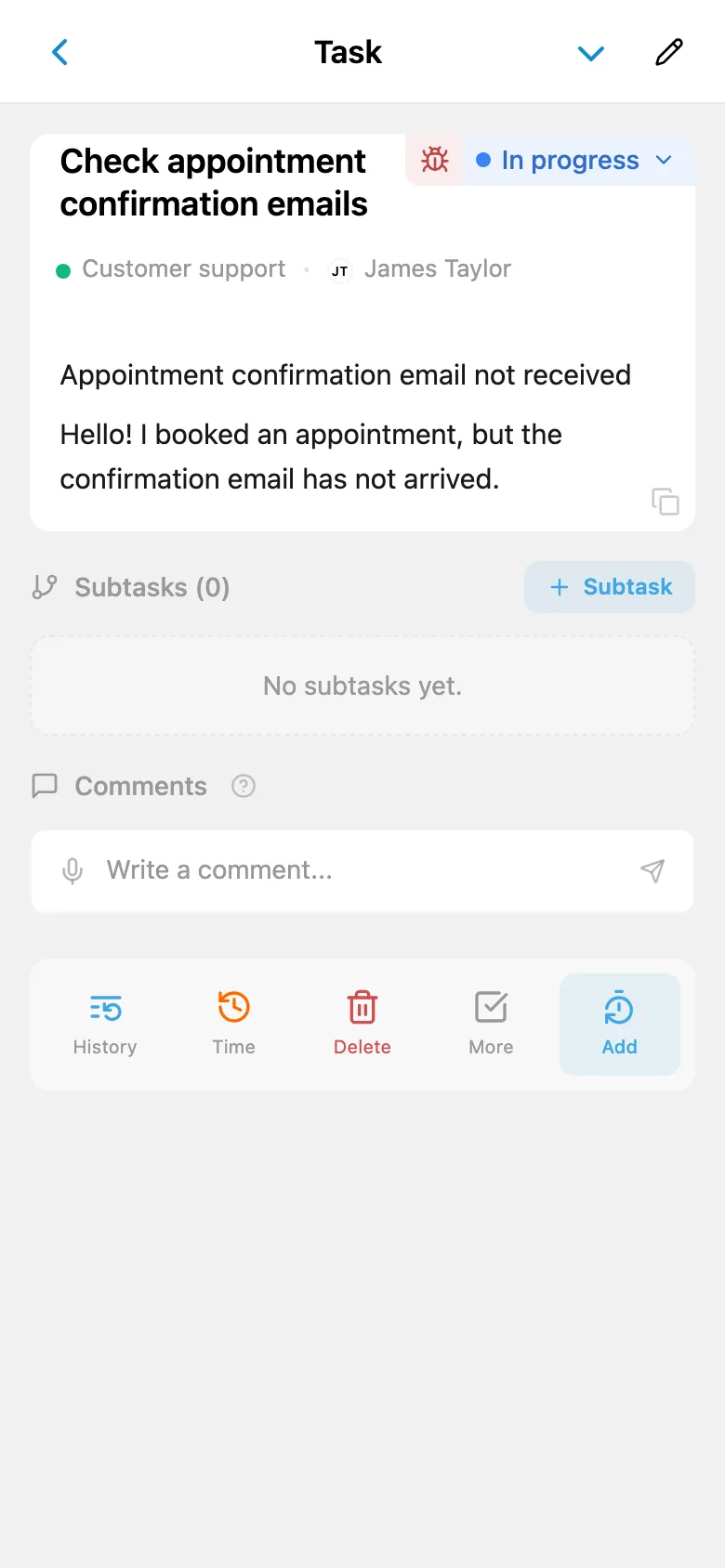
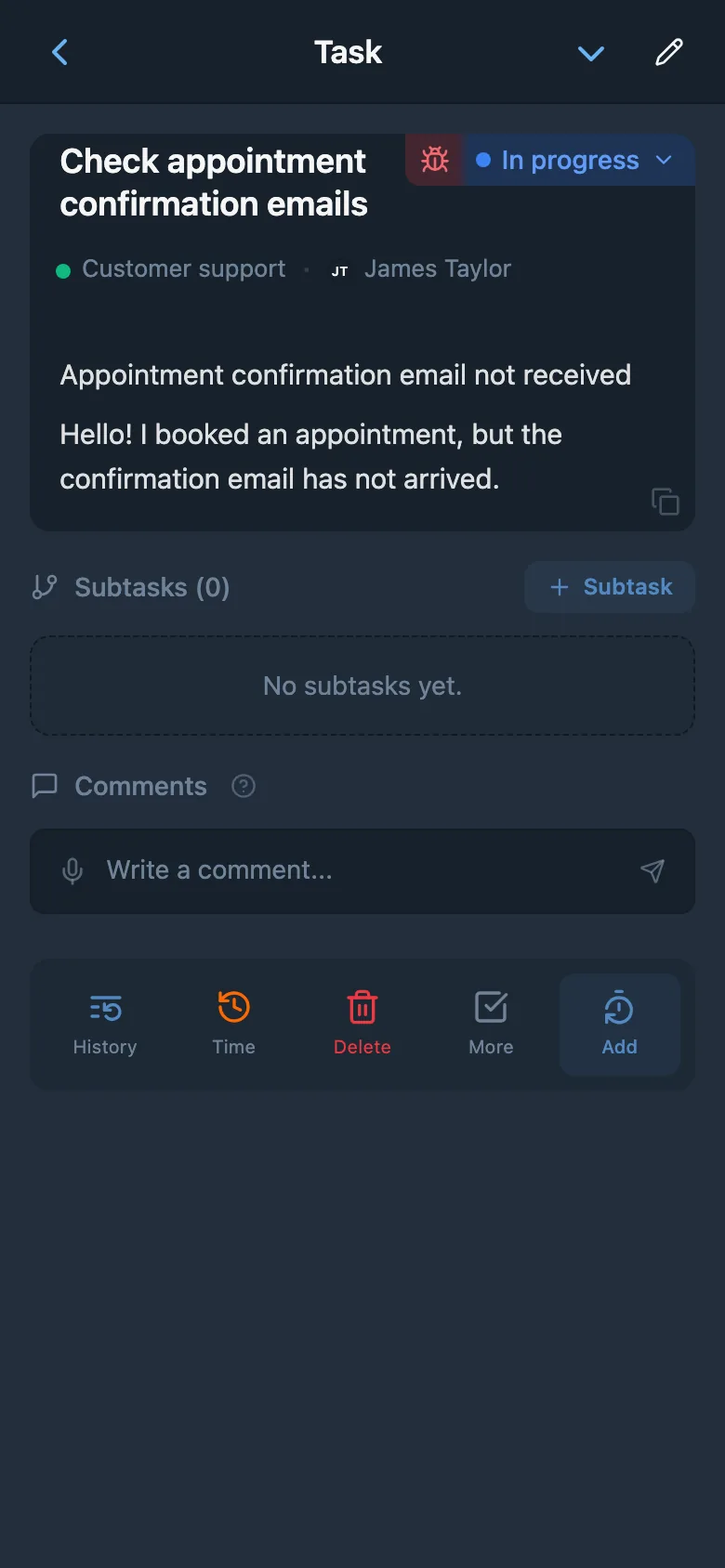
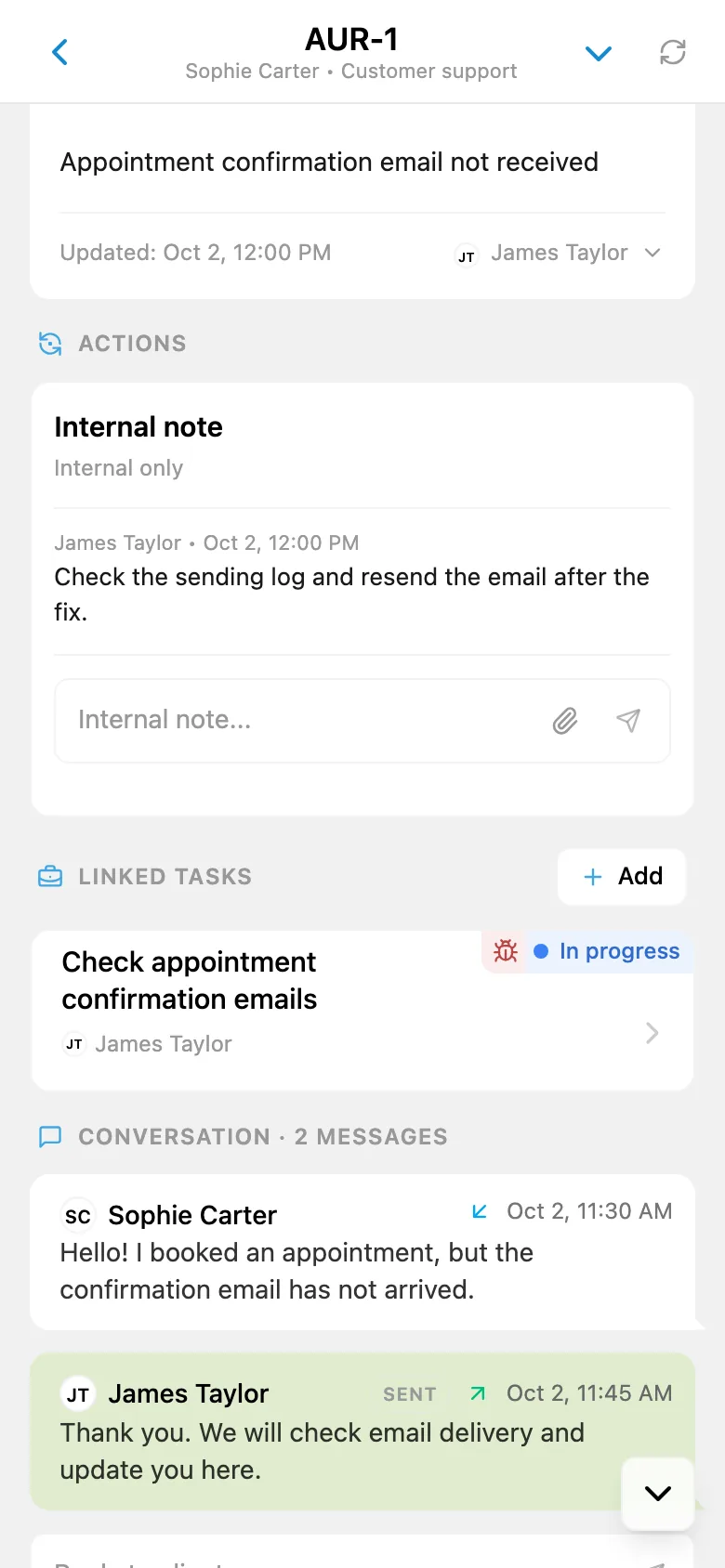
The biggest difference between iTasks HelpDesk and a simple "reply bot" is that it is tightly connected to your task system. From a customer conversation, you can create a new task or link an existing one when the issue becomes a bug, an improvement, or an internal follow-up. Customer support and the team's work end up in one system.
This matters for product and service teams. A customer reports a problem, support captures it, delivery gets the related task, and the conversation still keeps the customer context nearby. The linked workflow stays visible both in the task system and in the support conversation, while custom statuses and routing keep the process understandable.
AI-powered support automation through an external assistant
If your team wants to automate first-line support, iTasks gives you more than a shared inbox. Through the dedicated AI API, an external assistant can read conversations, change statuses, send customer-facing replies, add internal notes, and connect conversations to tasks.
This is especially valuable for repetitive technical support flows inside HelpDesk channels. Common requests can be handled faster, while more complex cases reach the team with the right context already attached. Support scales without splitting customer communication from internal execution.
Learn more about AI APIMessages, Images, and Files in One Conversation Card
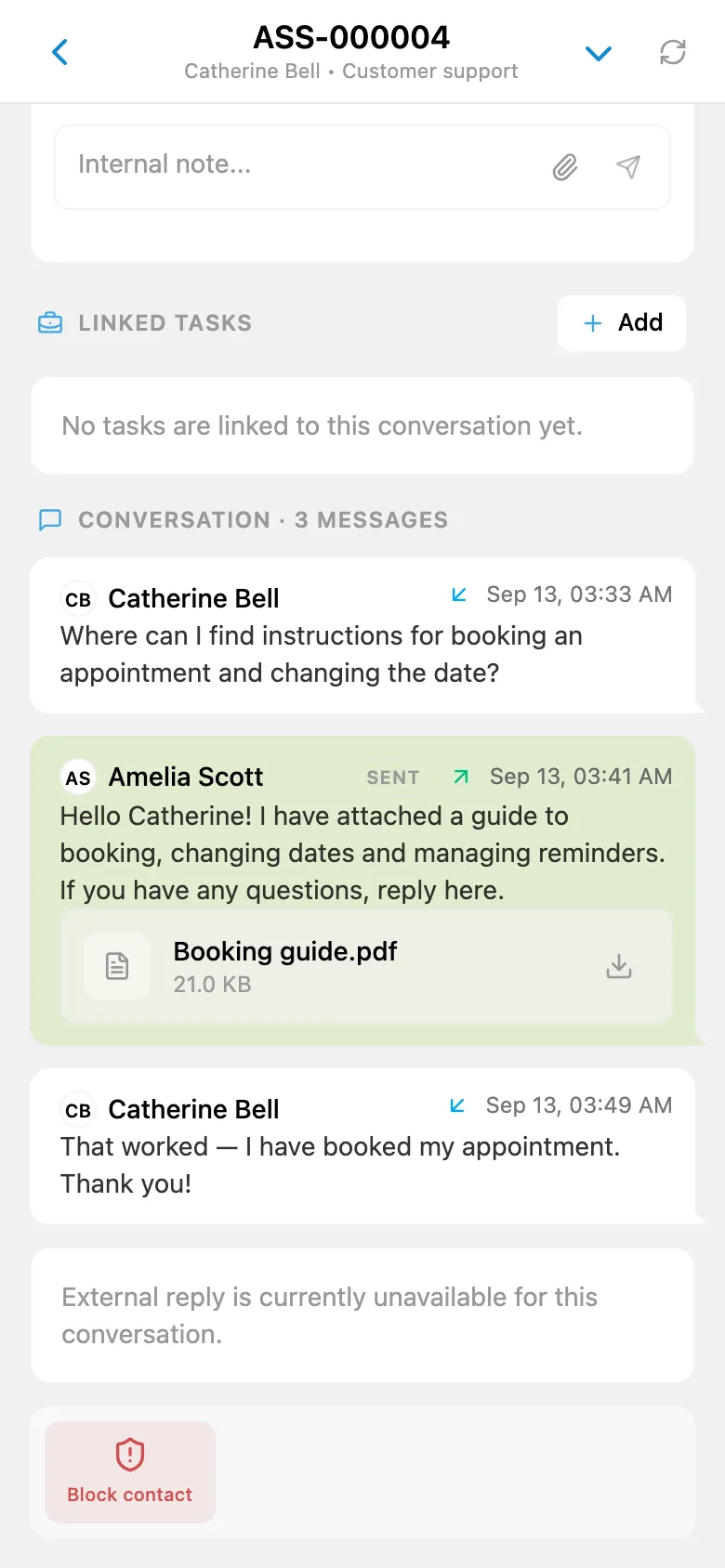
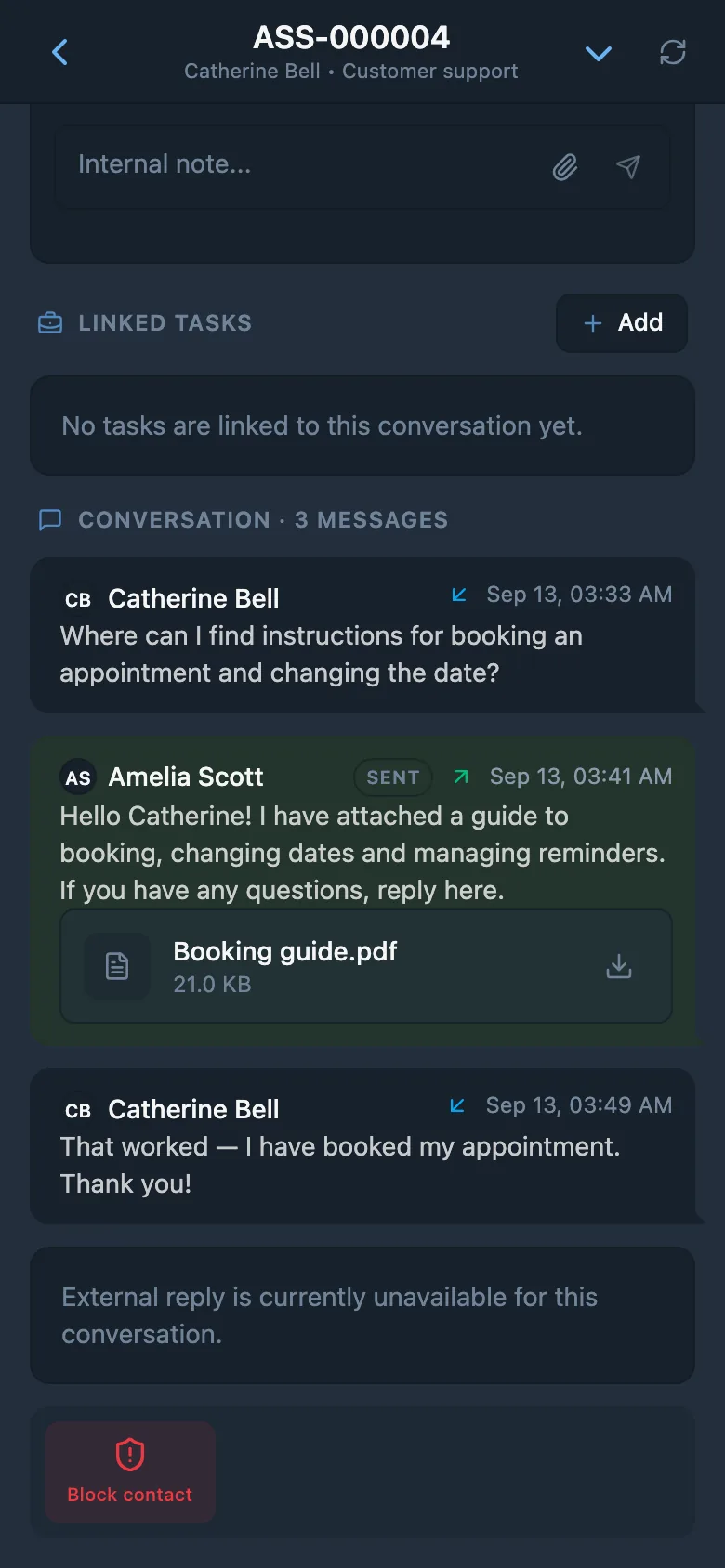
Each conversation card keeps the full customer thread in one place. Messages, images, and attachments do not get split across the bot, internal chats, and external file tools. Your team opens one conversation and sees the whole story: what the customer sent, what materials were attached, and what has already been answered.
External replies and internal notes stay separate. Customers only receive the messages your team explicitly sends out, while internal notes remain visible only to the team. That makes the workflow safer for support, product, and engineering teams working together on the same issue.
Free Start and Scaling Later
HelpDesk is not locked behind an expensive tier. It is available on the free plan: you can connect one support channel, meaning one external bot, and run a real customer support flow inside iTasks. That makes it a practical starting point if you are just setting up support or testing a new Telegram-based support path.
As your operation grows, PRO expands the limit to 50 support channels inside one workspace. That gives you room to split support by product, country, brand, or request type without changing tools or rebuilding your internal workflow.
Who This Fits Best
SaaS and product support
When users report bugs, access issues, or confusing behavior, the team can answer the customer and turn the request into a task without copying context between tools.
E-commerce and service businesses
Order questions, delivery clarifications, and post-sale support can all start in a Telegram bot and continue as a structured workflow with statuses and ownership.
Agencies and client teams
Each client or project can have its own support bot. Conversations stay tied to the right project, so your team does not mix requests from different customers in one shared inbox.
Small teams that want a simple HelpDesk
If you are looking for a lightweight way to organize customer support through a Telegram bot without adopting a heavy standalone support platform, iTasks keeps the path short: bot, inbox, tasks, and team in one place.
Questions about HelpDesk
Can I connect my own Telegram bot?
Yes. iTasks HelpDesk is built around your own Telegram bots. One bot becomes one support channel, so your customers keep writing to the familiar bot you already use for your product or business.
Can I create a new bot directly from iTasks?
Yes. Connect your support bots instantly: iTasks handles the under-the-hood configuration automatically, no token wrangling required, so your team can start managing tickets right away.
Is HelpDesk available on the free plan?
Yes. HelpDesk is available on the free plan: you can connect one support channel, meaning one external bot, and handle real customer conversations directly inside iTasks.
Can I create tasks from customer conversations?
Yes. From a conversation card, you can create a new task or link an existing one. This is useful when a customer issue turns into a bug, improvement request, or internal follow-up task.
Can the team reply to customers directly from iTasks?
Yes. Your team can reply to customers directly from iTasks. The full message history stays in the conversation card, while internal notes remain separate from outward replies.
Does the conversation view support images and files?
Yes. The conversation card keeps the full customer thread in one place together with images and attachments, so support context does not get lost between chats and linked tasks.
What if I support multiple products or brands?
You can use a separate bot and a separate support channel for each product. The free plan includes one channel; PRO supports up to 50 support channels inside one workspace.
Can I connect AI to HelpDesk?
Yes. Through AI API, an external assistant can read conversations, change statuses, send customer-facing replies, add internal notes, and link conversations to tasks. AI API is available on the PRO plan.
Launch customer support in Telegram
Connect your bot, receive requests, and turn customer conversations into structured work inside one app.
Start free in TelegramExplore more features